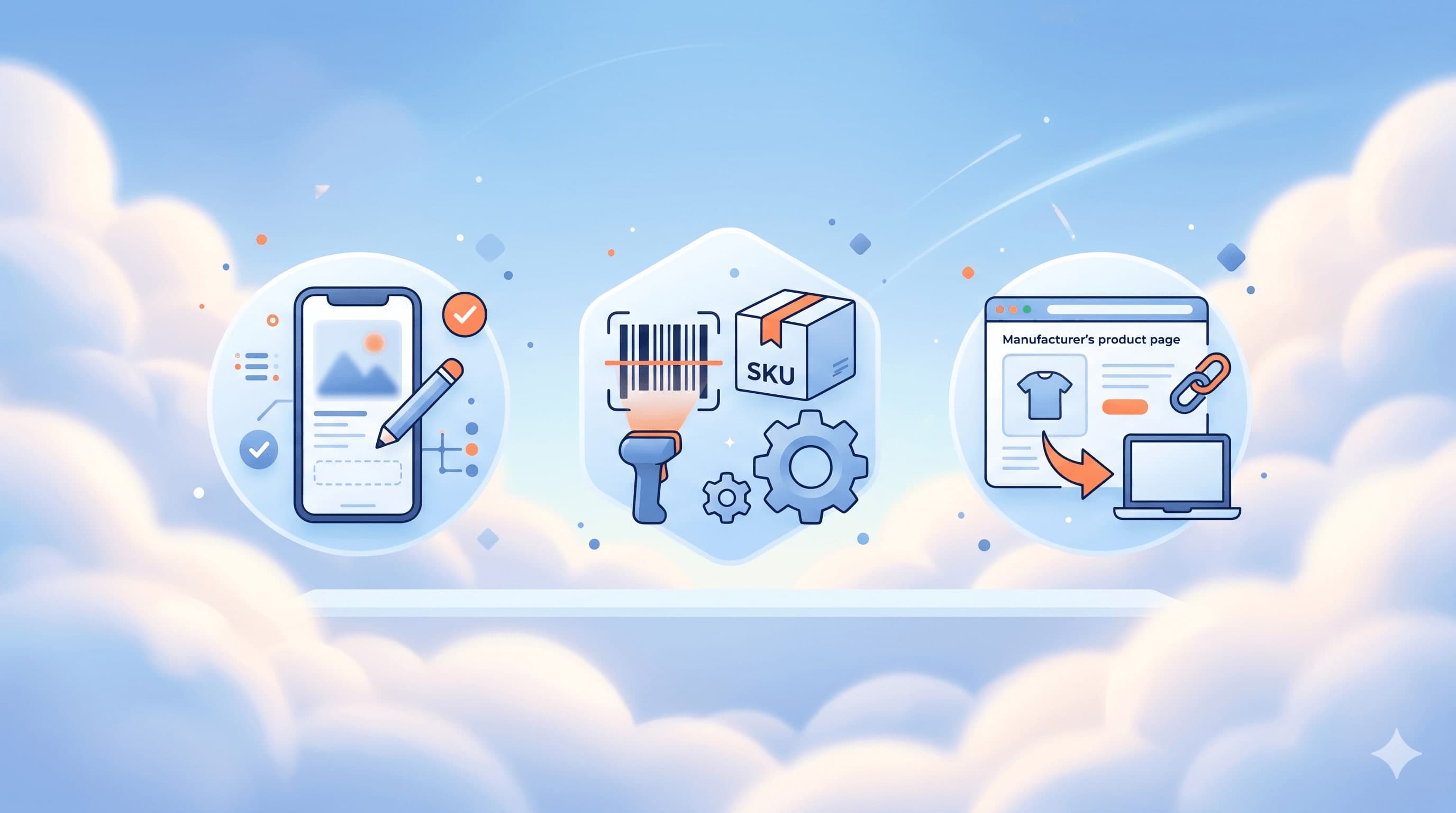
We took a real catalog product and built the complete product page: lifestyle images, alternative views, video and Stories ads. All in five minutes, without leaving TiendaPop.
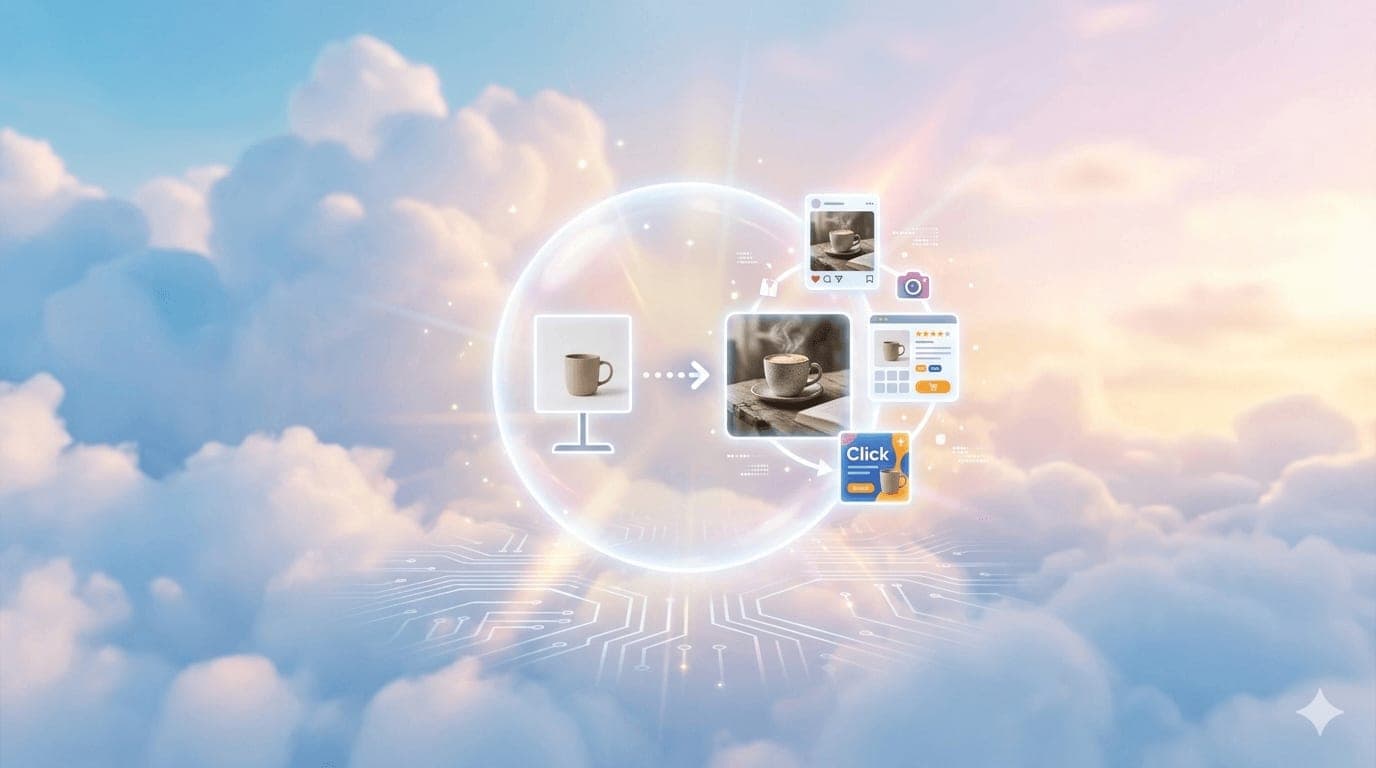
You have a product loaded in your store. The photo is the one your supplier sent you: white background, flat shot, enough for the product to be seen, not enough for someone to choose it over 30 similar products. The description is generic. There are no contextual images, no video, no creatives for Instagram or Ads.
This happens to most sellers on Tiendanube and Nuvemshop. It's not a matter of judgment. It's because between coordinating a photographer, writing SEO, generating videos for social media and creating ad pieces, a full week of work goes by per product. And in a store with a wide catalog or new products coming in every week, that cost doesn't scale.
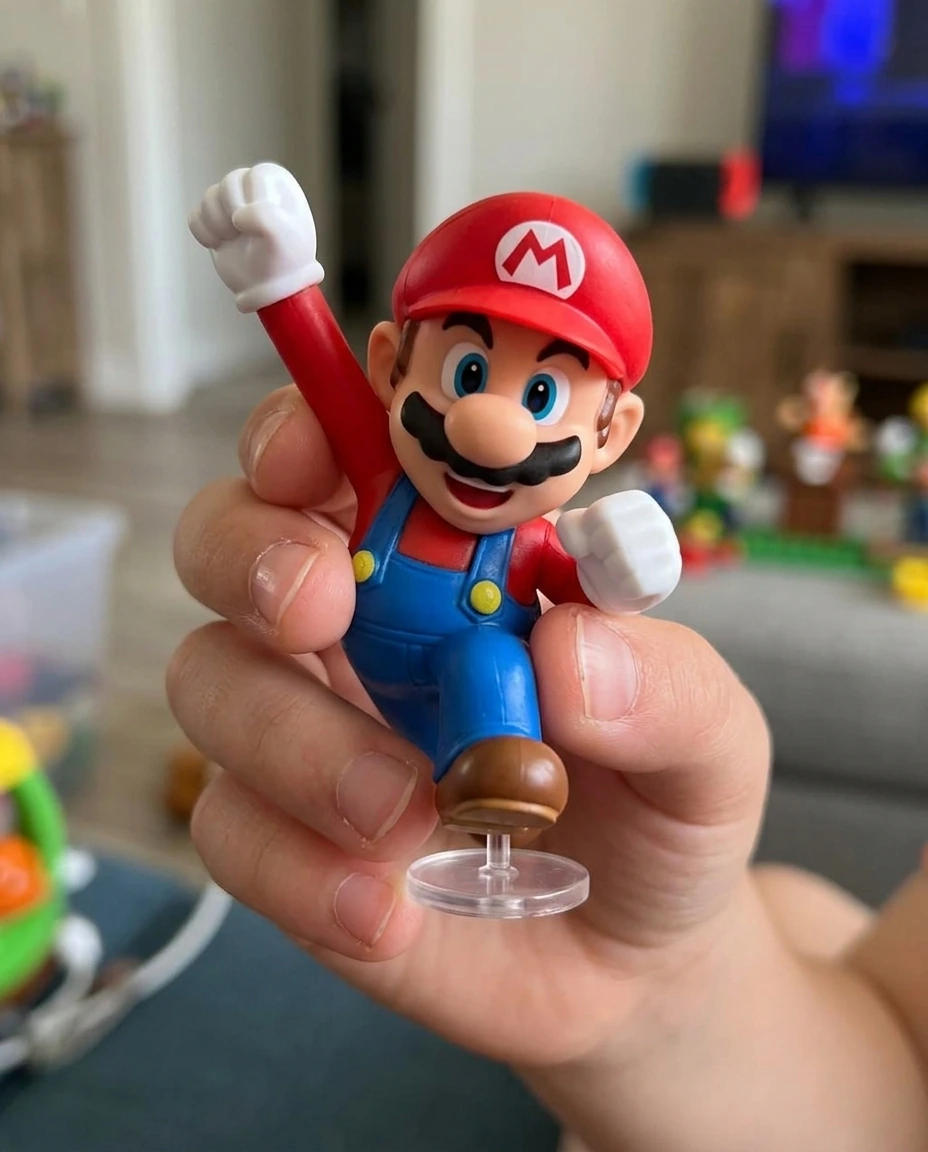
This article shows what the workflow looks like when that friction disappears. We took a real catalog product —a Mario Bros 2.5" collectible figure— and turned it into a complete product page: 17 images, product video, Stories ads and a UGC-style video for social media. All in five minutes. All starting from the white-background photo that was already in the store.
This is the image the seller had on their product page. It's what the supplier sends. It works as a reference, but it doesn't convert: it doesn't generate desire, doesn't show scale, doesn't communicate what kind of buyer it's for, doesn't differentiate that store from the other 50 selling the same item.
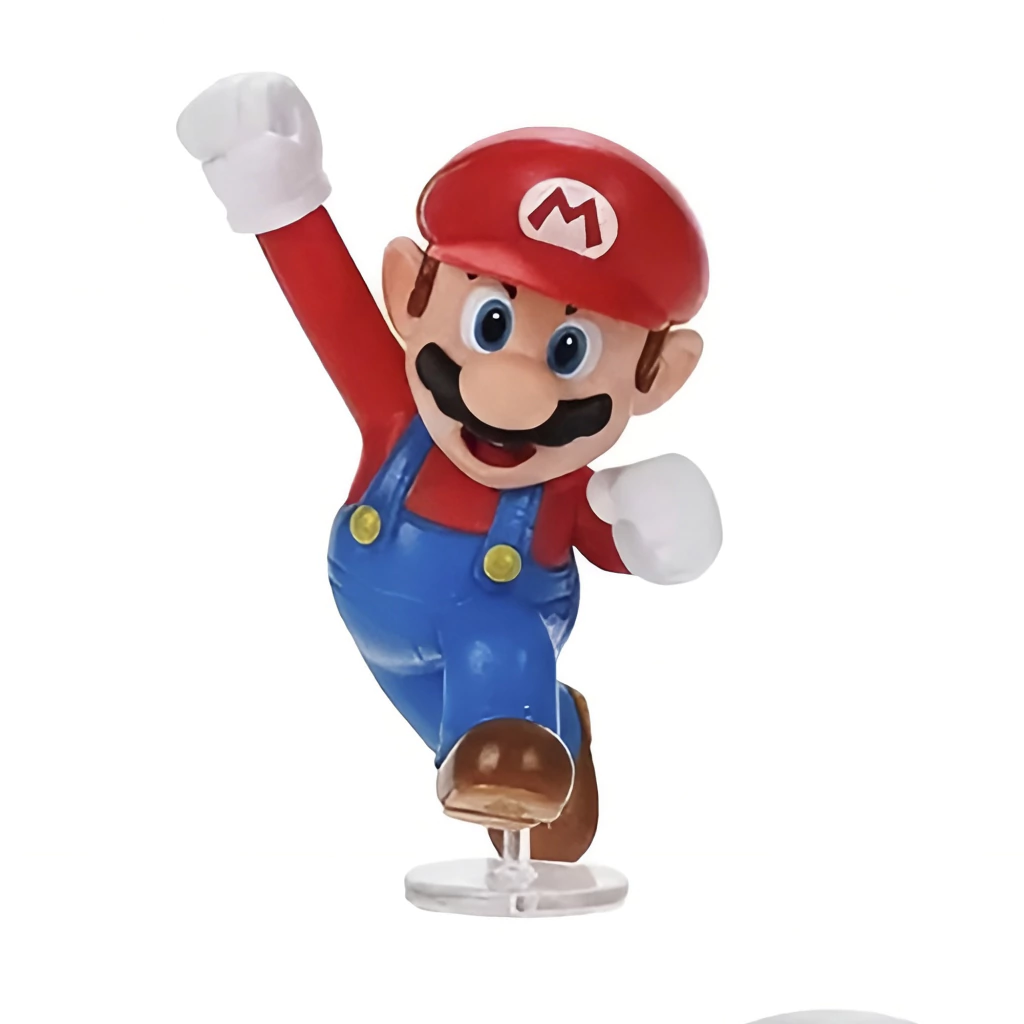
The product is fine. The packshot is fine. What's missing is everything else: the context where the product lives, the views the buyer needs to decide, the video that gives it motion, the ads to drive traffic to that page.
TiendaPop is an AI-powered image and content generation tool integrated with Tiendanube and Nuvemshop. It lets sellers create professional product photos, videos, banners and ads without a photographer or designer, directly from their store.
Because of the native connection with Tiendanube, when you log into TiendaPop your catalog is already synced. There are no files to download, upload, or move between tools. You pick the product you want to work on and the entire workflow —images, video, SEO product page, ads— happens without leaving the platform. When you're done, the content is ready to publish to your store from there.
The first step is the product page. Title, description, features, frequently asked questions, content built for SEO and for AI systems to find the information when someone asks about a product like this. Everything is generated from the SKU.
This matters more than it seems. Frequently asked questions and rich descriptions are what search engines and AI assistants use to understand what your store sells and when to recommend it. An empty or generic product page is invisible to that traffic — a complete page multiplies the paths a buyer can take to reach you. If you want to dive deeper, we wrote a complete guide on how to optimize product pages.
The same flow applies if you have multiple languages in your store or sell in different countries: the page adapts to the buyer's language and product type. There's no need to repeat the process separately.
Once the page is built, the gallery. The white-background photo stays as the catalog view, but next to it appear the images that show the product where it lives: on the collector's desk, in the fan's room, in the character's world, in the hand of the person who'll use it.
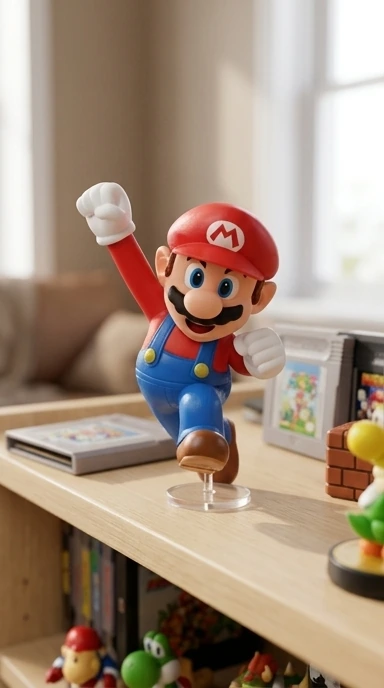

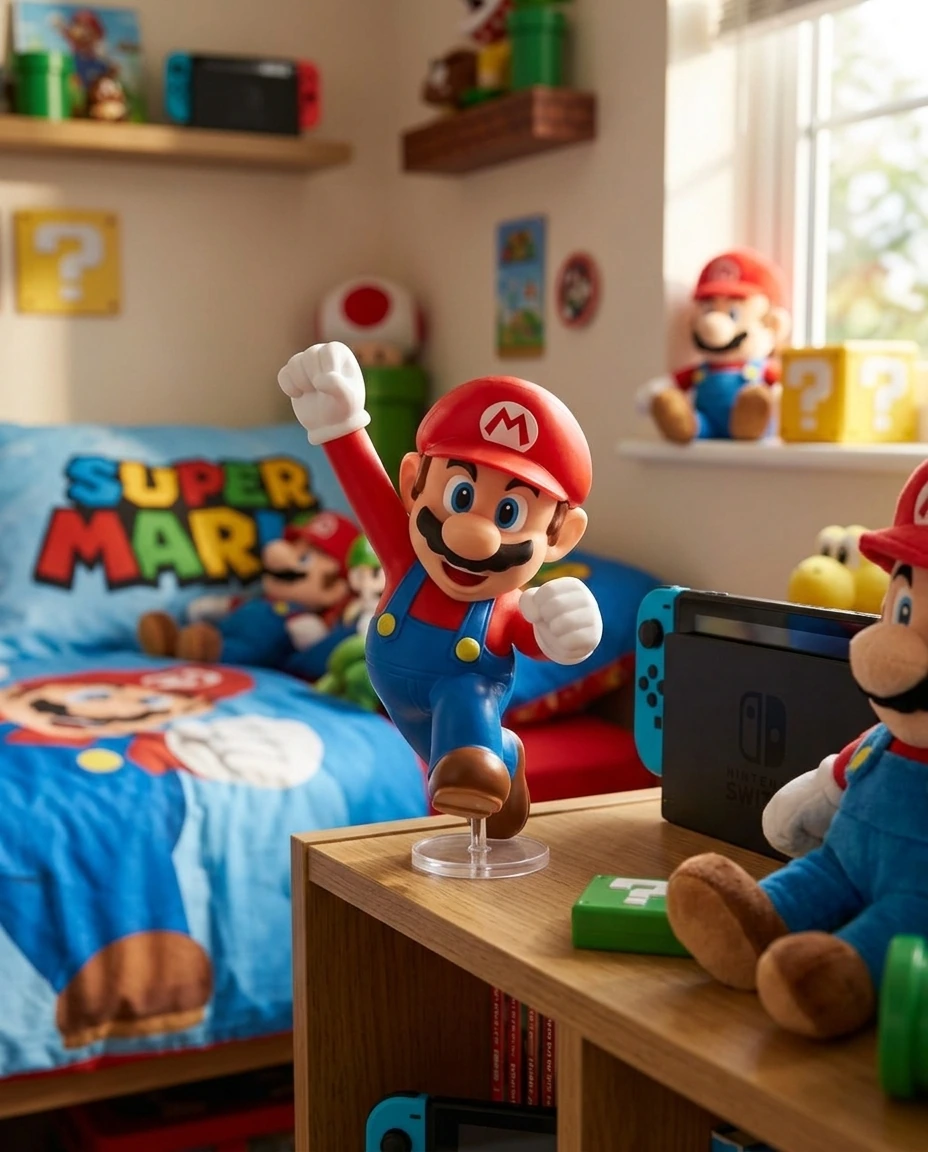
The buyer who sees this understands things the white-background photo can't communicate: that it's a collectible, that it has adult fans, that it fits on a desk, that it matches a kid's themed bedroom. That information sustains the price.
For a physical product, a single view isn't enough. The online buyer wants to see the profile, the back, the material detail, the actual size. In a physical store, that's solved by picking up the product. On your product page, it has to be in images.
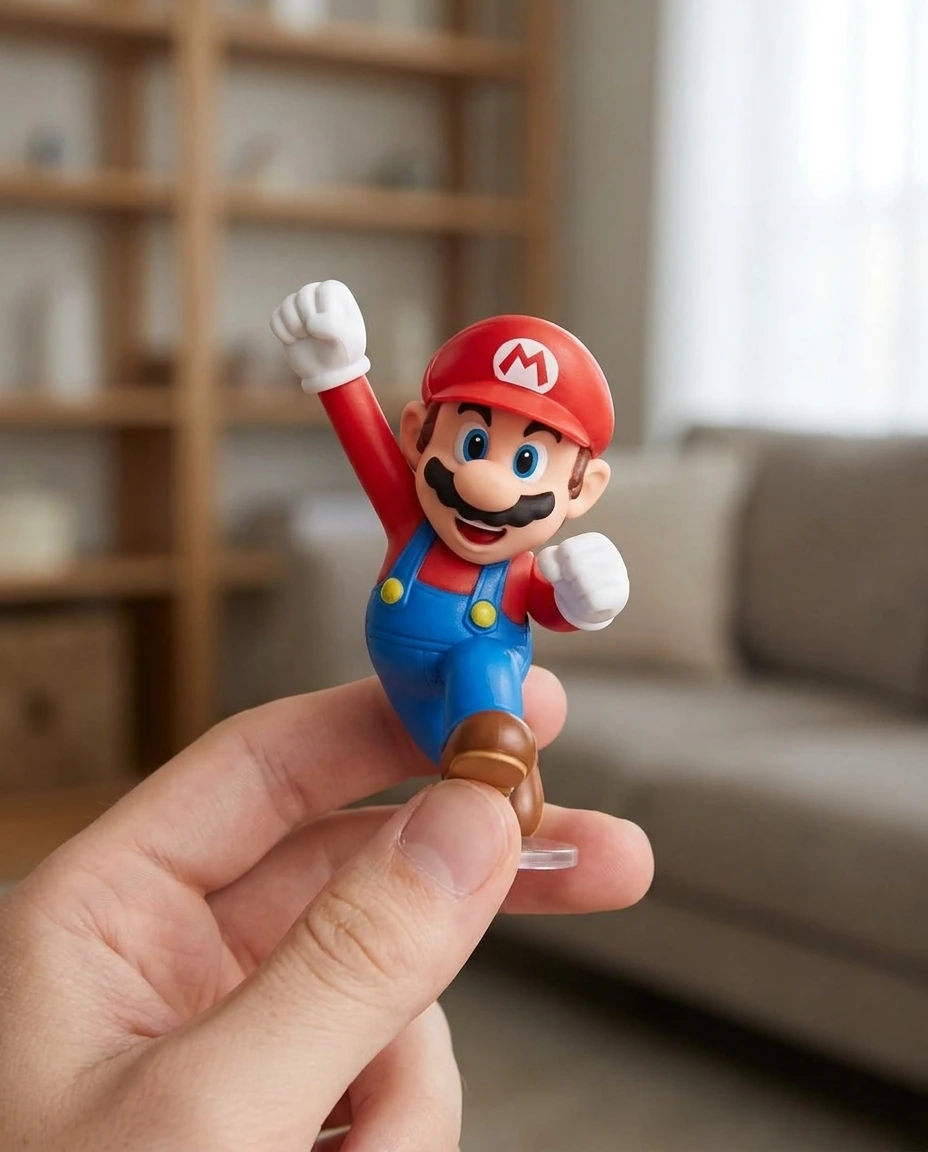
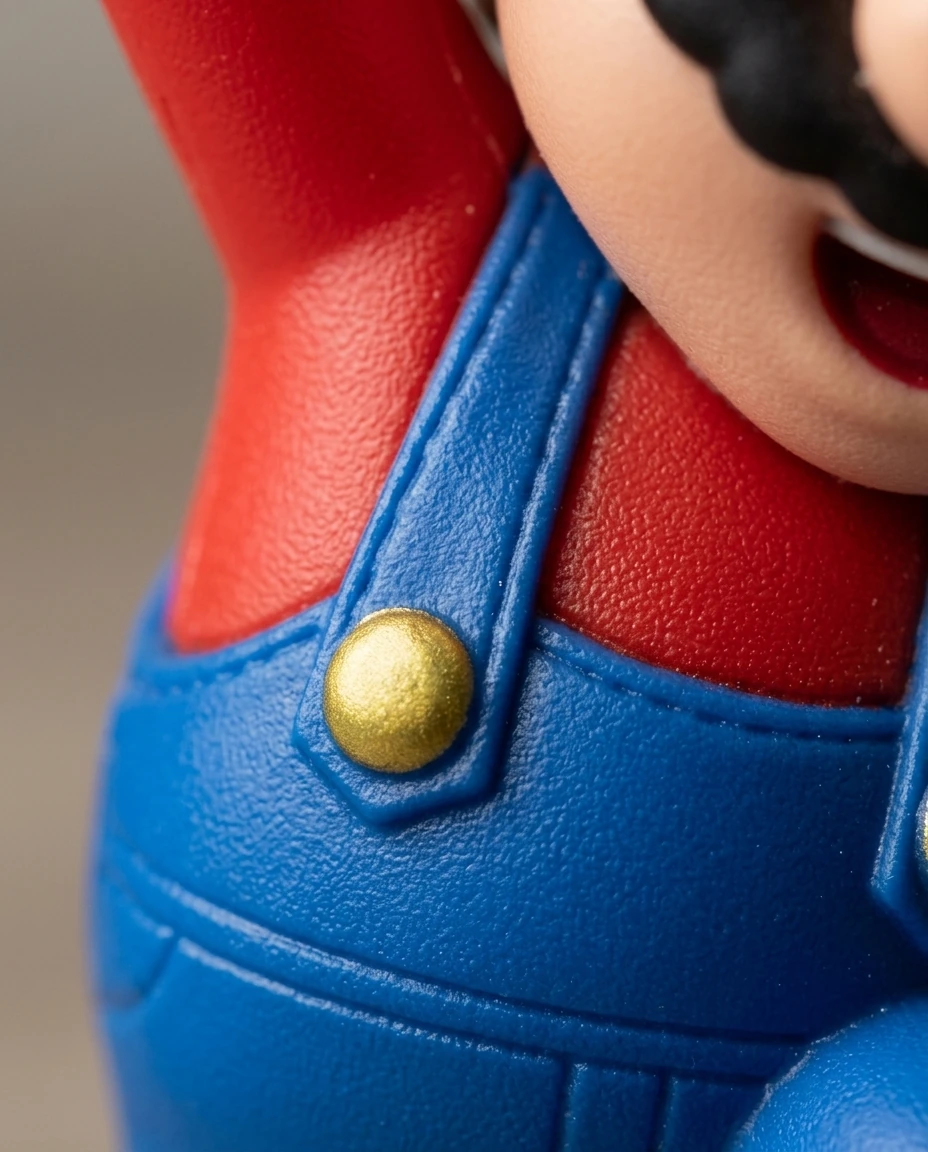
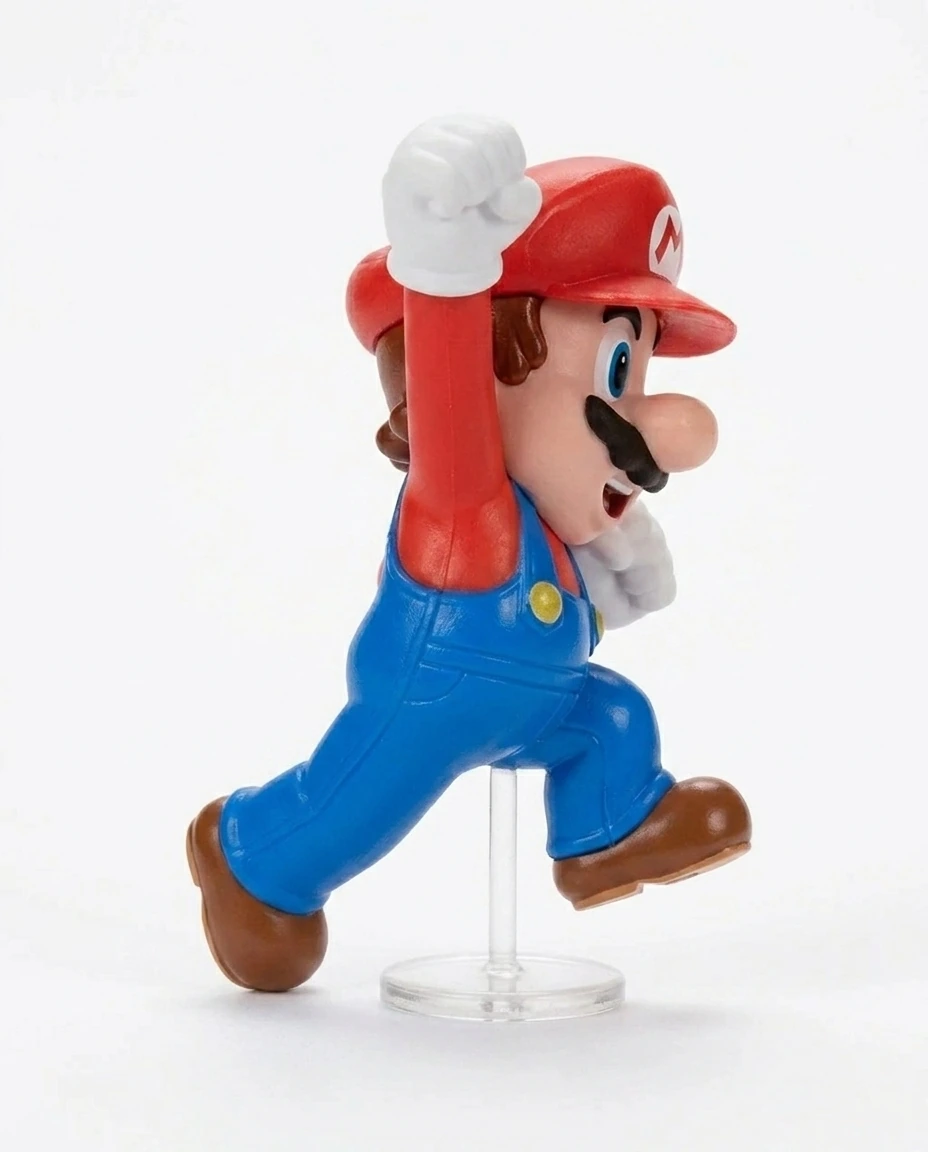
The views are generated on the same neutral background as the original photo, so the gallery has visual consistency. And the macro details show product quality at a resolution the packshot doesn't allow. If your product benefits from being shown from every angle, you can also add a spinning product video with the Rotation style.
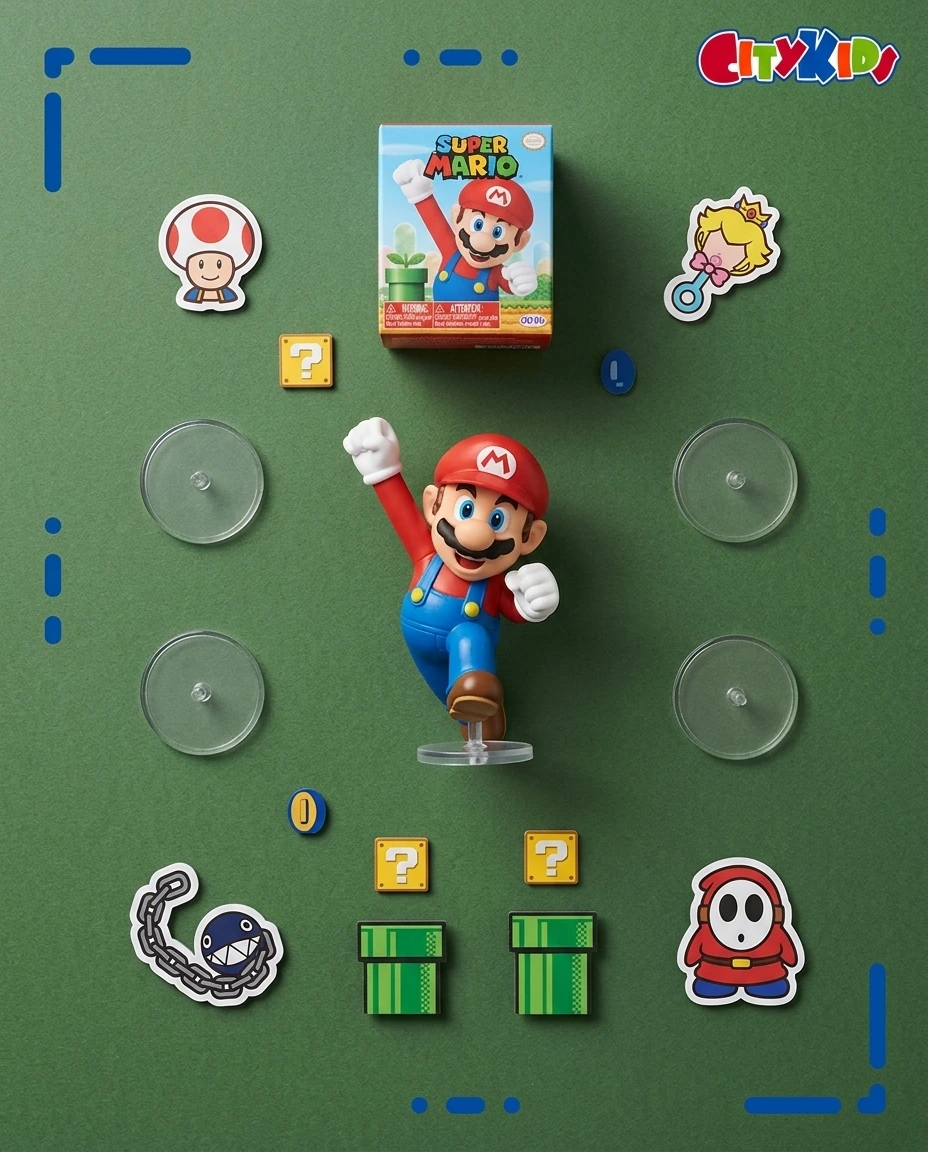
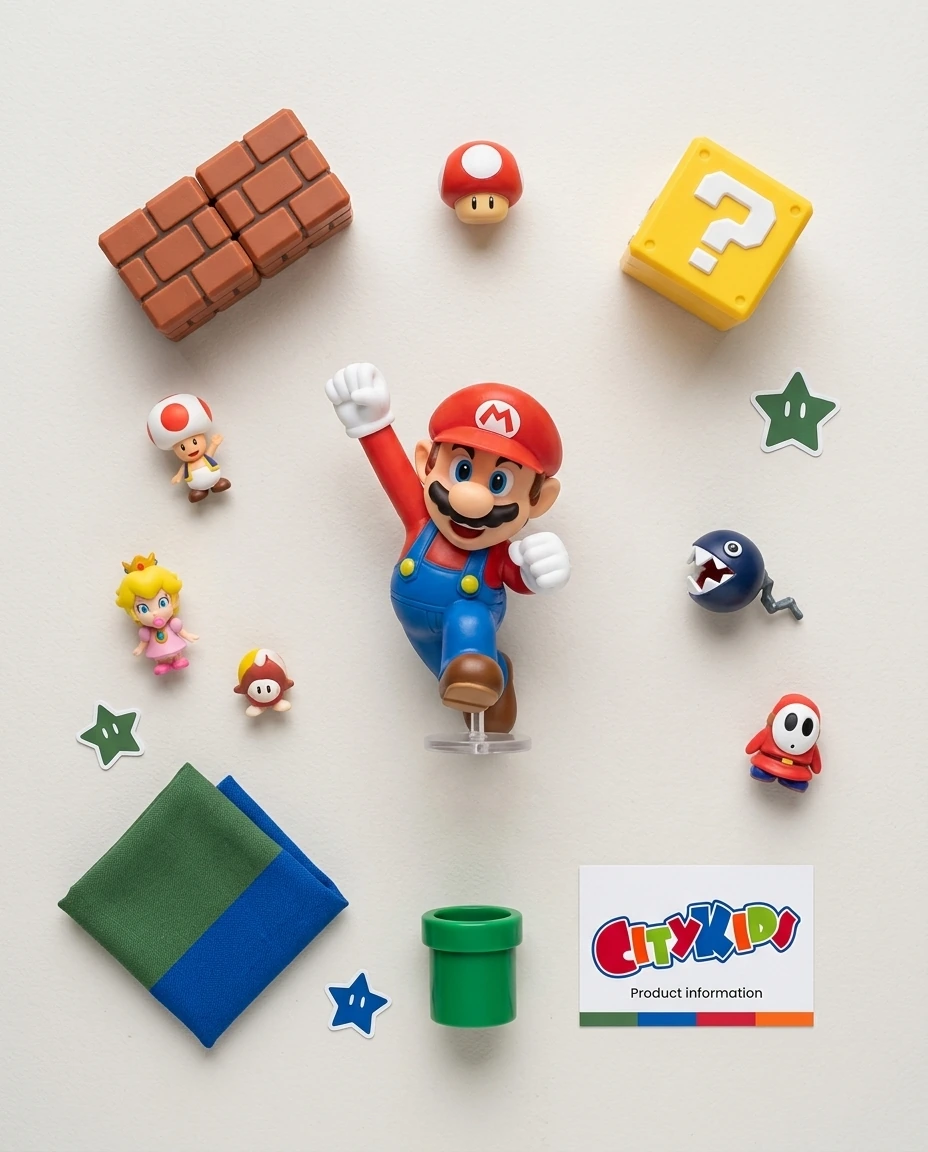
Flat Lay images —overhead view with the product surrounded by related elements— work especially well for the first image in an Instagram feed, for category banners on the online store, and for premium product pages. They communicate brand universe, not just product.
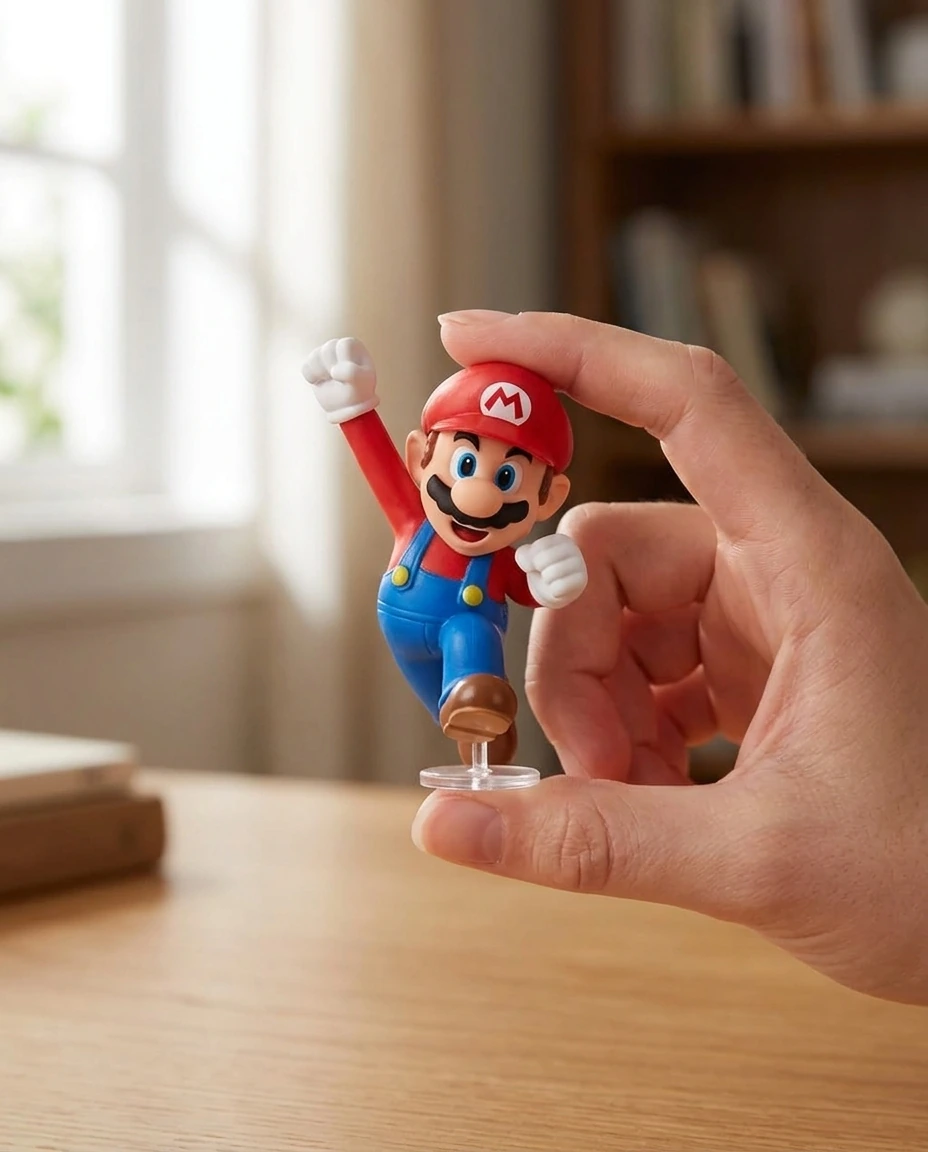
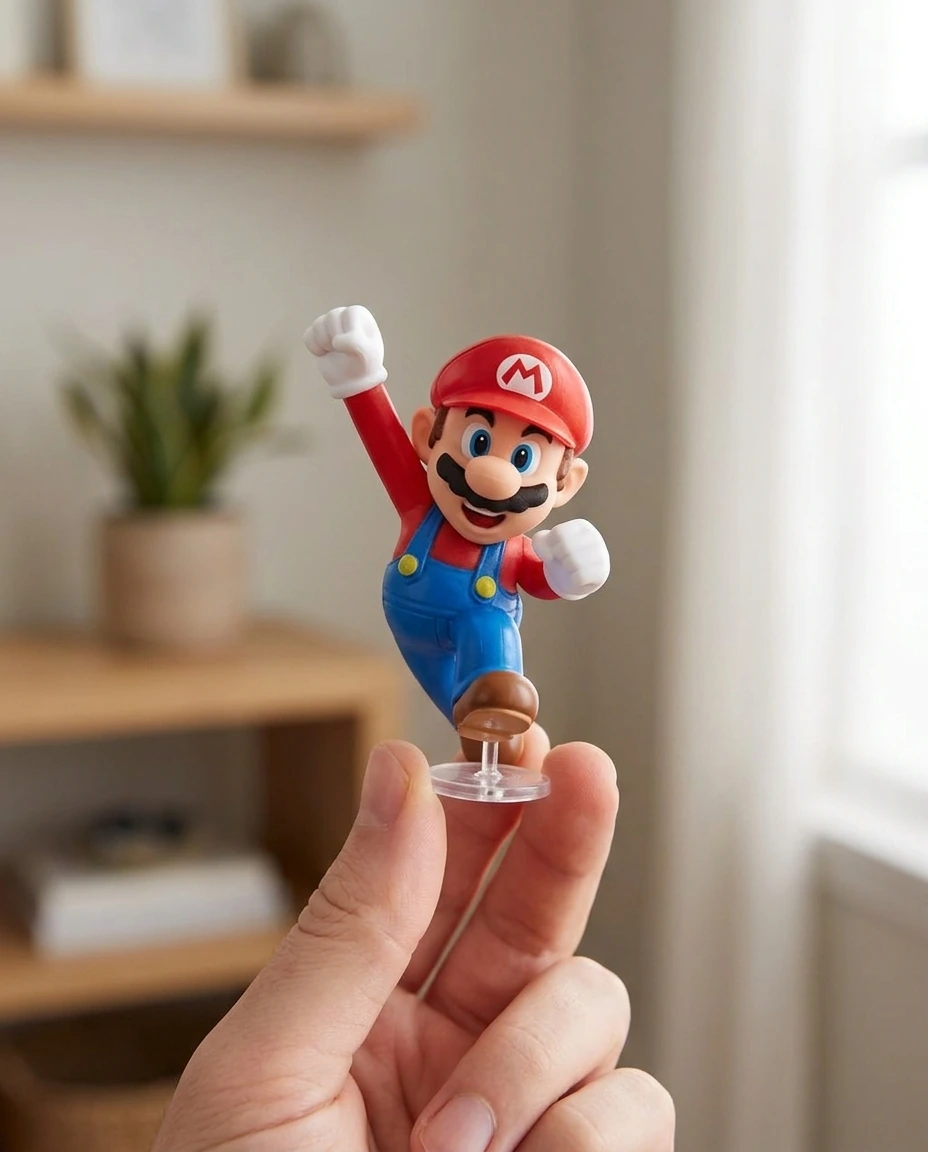
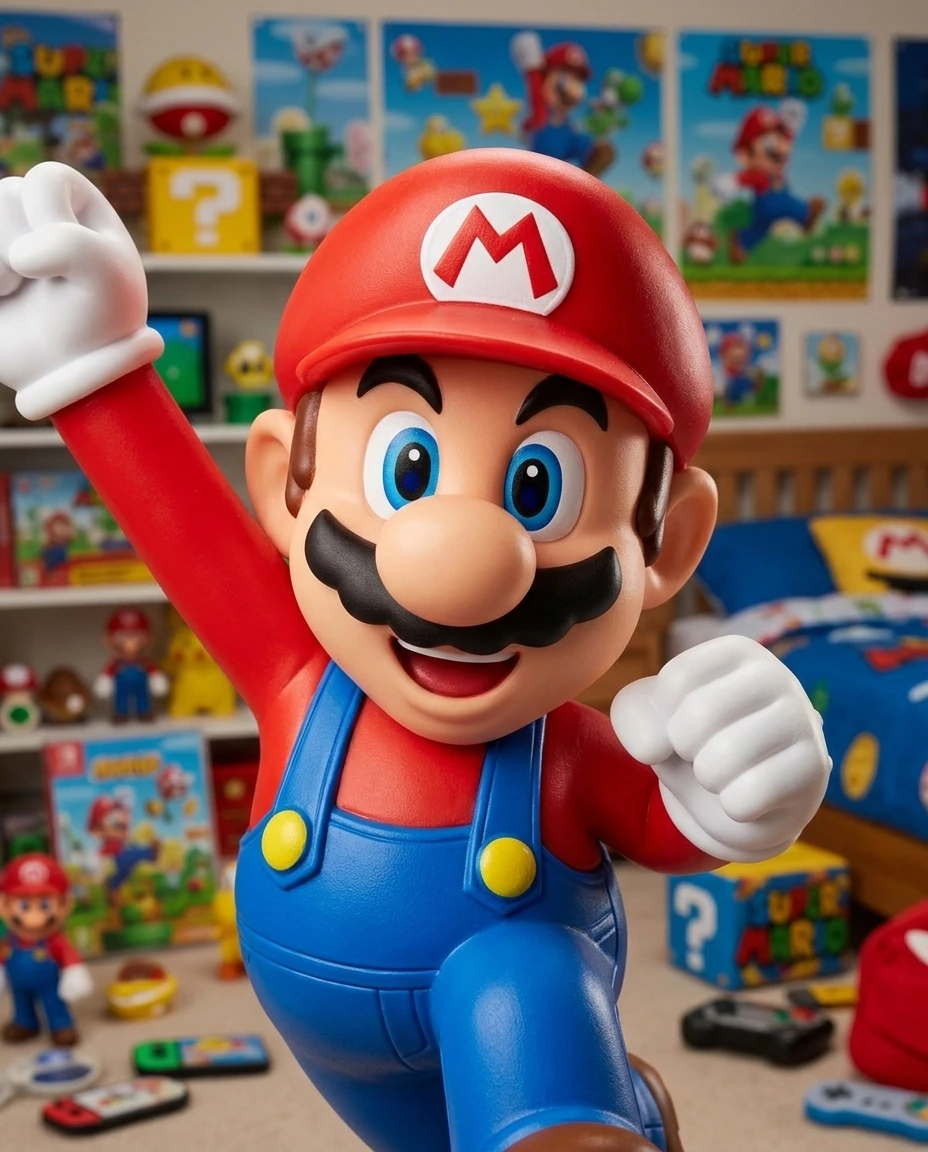
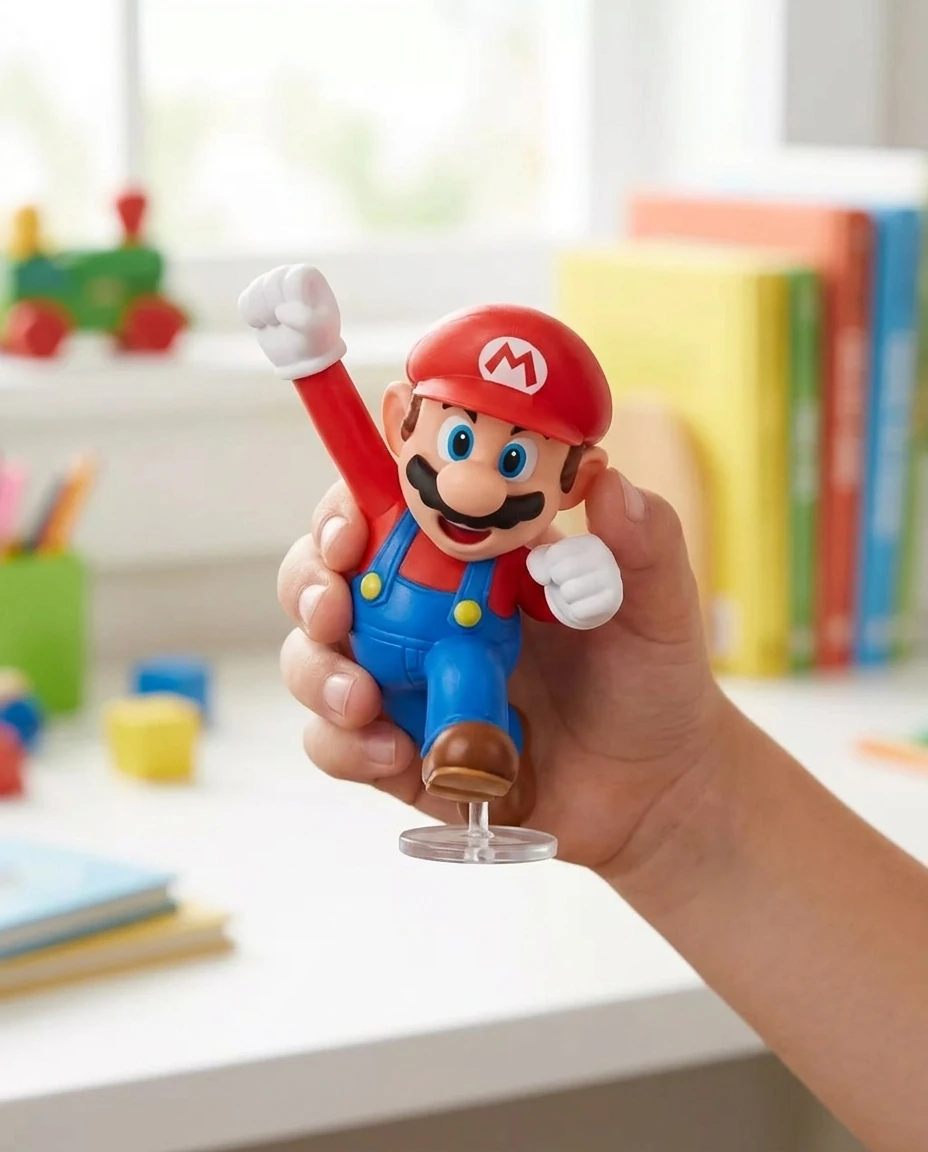
A single photo session like this, done by a product photographer, costs several hundred dollars and takes a week to deliver. Here it's generated in minutes and can be iterated as many times as needed until the result feels yours.
With the gallery built, the last step is the creatives to drive traffic to that page. Vertical ads for Instagram and TikTok Stories, with copy and CTA, ready to upload to Ads Manager.
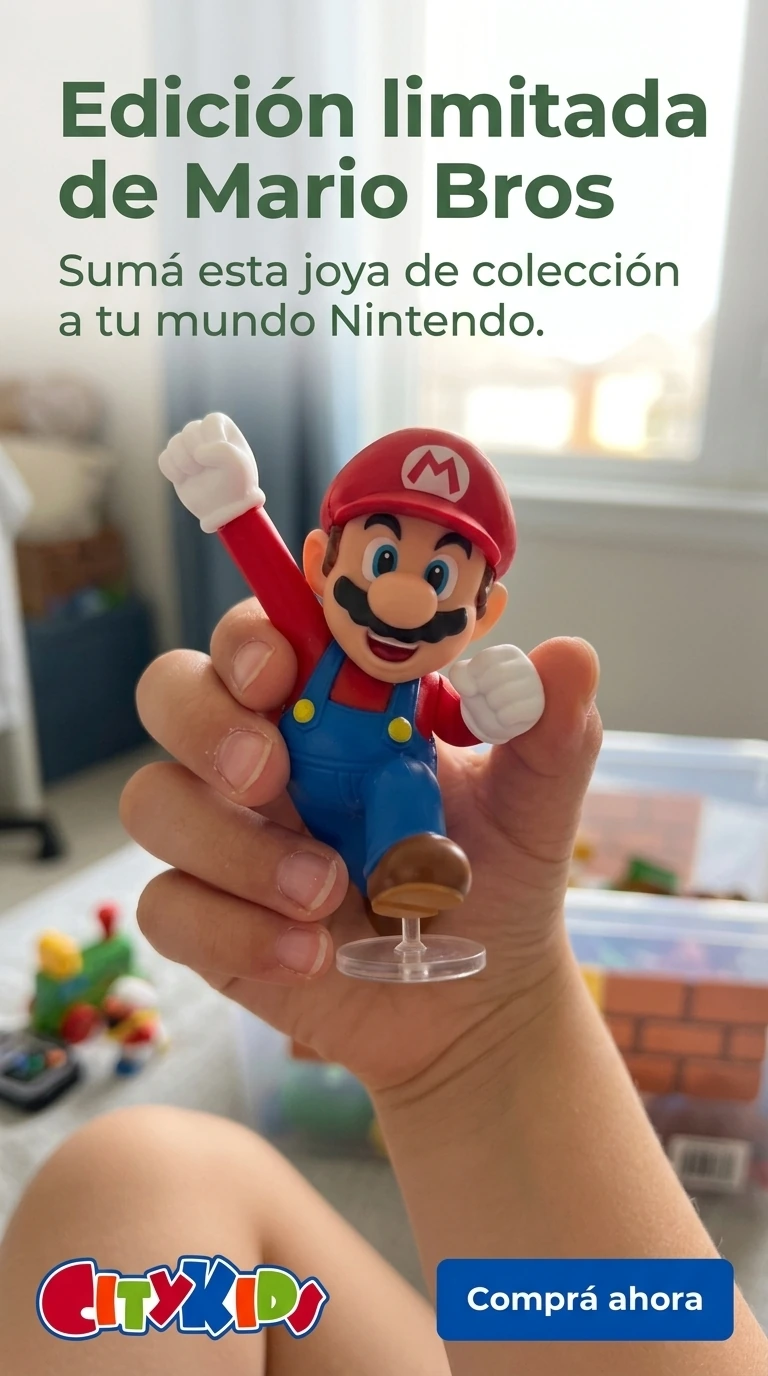
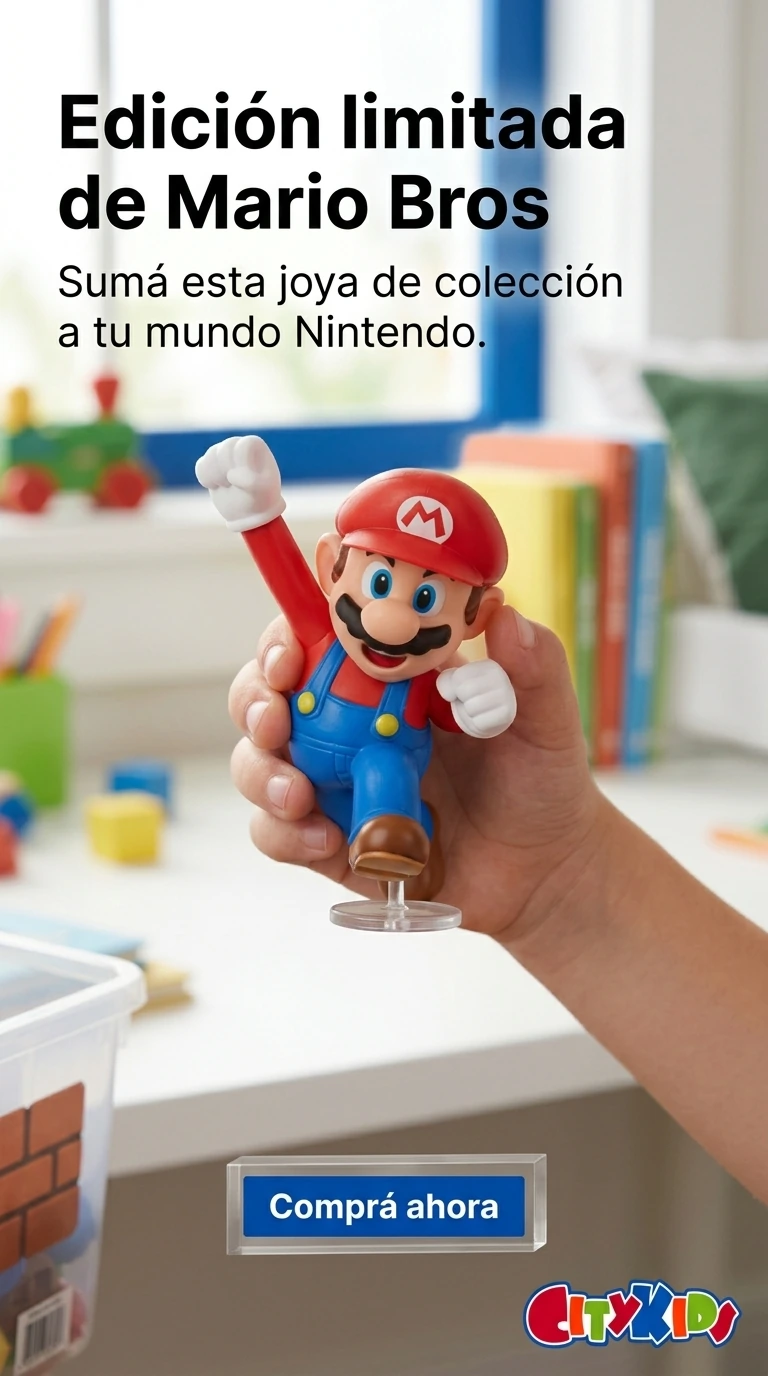
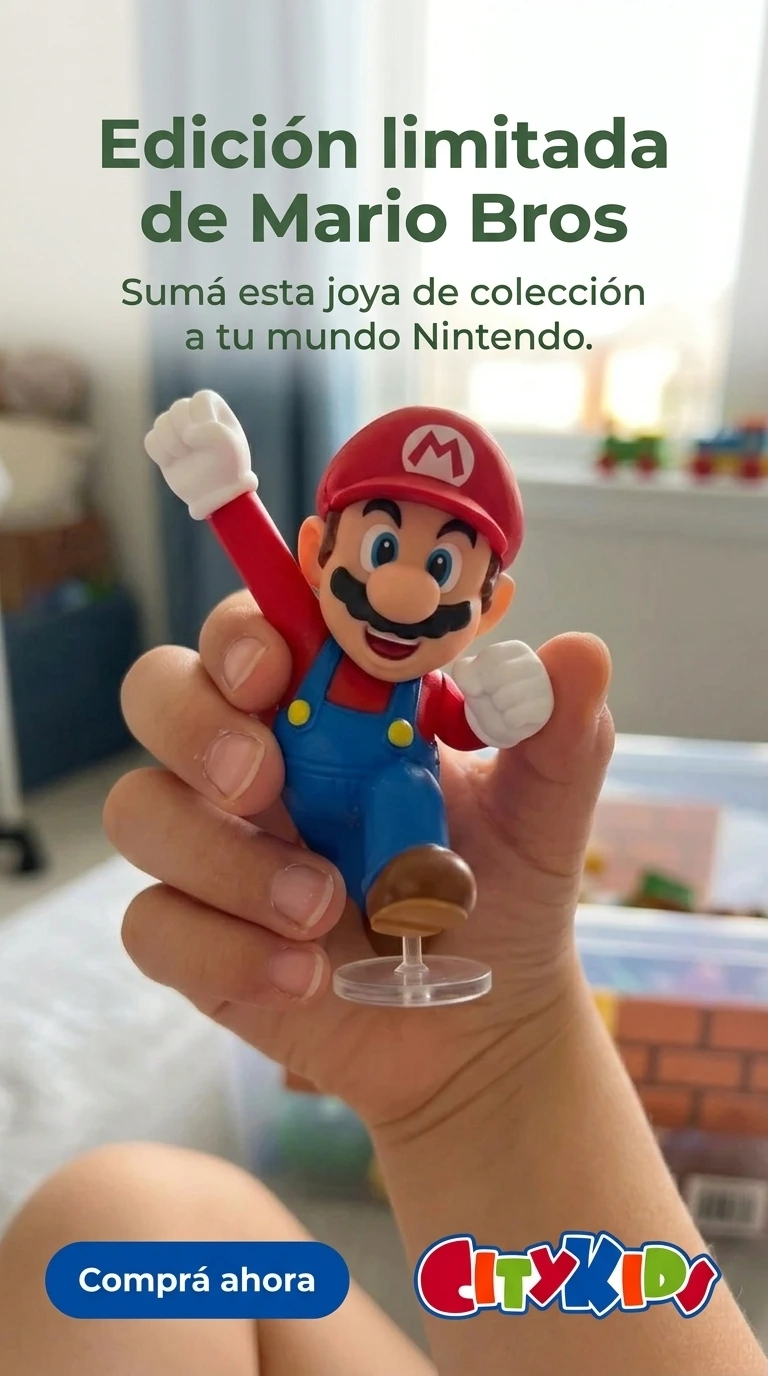
The three ads keep the store's brand identity: logo, colors and typography consistent across all pieces. That consistency is what makes a buyer who sees a Story, then an image in the feed, then the product page, register everything as part of the same brand instead of as scattered content.
The last format is video. Today, ad platforms reward content that looks native —that seems recorded by a user, not produced by a studio. That format, called UGC (user-generated content), is what performs best on Reels, TikTok and Stories.
Same flow as the images: you pick the style, you generate the video. Perfect for adding to the product page, using as an ad, or posting organically on the store's social channels.
A product page in ecommerce is the digital version of a storefront and a salesperson combined. If it's empty, the buyer leaves. If it's complete —contextual images, views from every angle, video, rich description, FAQs— the buyer resolves their questions without leaving the page.
Visual content is the first filter a buyer uses to decide whether to keep looking or leave. A white-background photo and a professional contextual image don't communicate the same thing, even if the product is exactly the same. And on top of this, a shift is already underway: more and more buyers start their search on AI assistants before reaching Google. Google introduced AI Overviews and ChatGPT integrated search — products with empty or generic pages are invisible to that traffic.
What changed with TiendaPop's integration is that the cost of having a complete product page stopped being a week of work per product. It became five minutes. That makes it possible to do what was once unthinkable: apply the same level of detail to the entire catalog, not just to the flagship product.
If you have a store on Tiendanube or Nuvemshop, the process is straightforward:
The product you pick as a test will be different from the one this seller used. But the workflow is the same, and so are the five minutes.
The full workflow —SEO page, lifestyle image gallery, alternative views, video and social media ads— takes about five minutes per product. The Tiendanube and Nuvemshop integration removes the steps of downloading, uploading and moving files between tools.
No. The seller picks a style inside TiendaPop —lifestyle, Flat Lay, ad, video— and the tool generates the result. No need to write prompts, no need to know AI models, no need to follow AI market launches.
Yes. The workflow applies the same way to a collectible figure, a piece of clothing, a home accessory, a cosmetic product or any physical catalog product. The recommended visual styles change, but the generation flow is the same.
Yes. All content is generated in formats and resolutions suitable for both platforms. And since TiendaPop is integrated, you can publish the result to your store directly from the tool, without manually downloading or uploading files.
Yes. Vertical formats —Stories, Reels, TikTok— are generated in the same flow. Ads include copy and CTA in the piece, ready to upload to Ads Manager. The UGC-style video works as organic social content and as ad creative.
Yes. TiendaPop has a Free plan with 100 free credits to test the tool with one product. The idea is for you to pick your most important product —the bestseller or the one you're about to launch— and run the full workflow. When you see the result on your own catalog, you'll be able to decide whether it makes sense to scale to the rest of the store.
Pick a product from your store. The bestseller, or the one about to launch. Connect Tiendanube or Nuvemshop with TiendaPop and build the complete workflow: page, images, video and ads. No photo session, no designer, no coordinating with anyone.
When you see the result next to the current page, you'll understand what changes.
Share article:
TiendaPop is the AI platform for Tiendanube stores that generates images, videos, ads and SEO content in seconds to help you sell more.