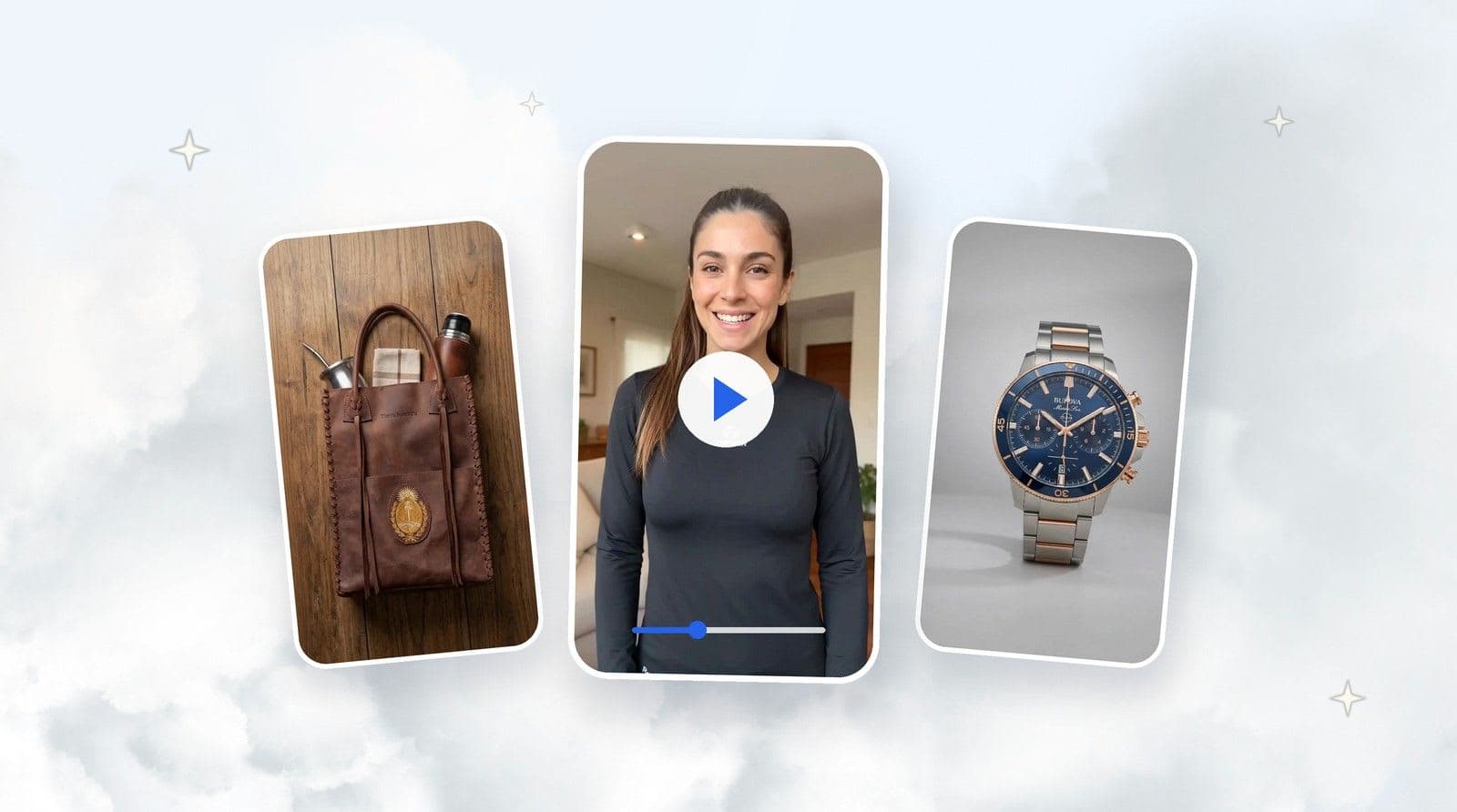
Rotation is TiendaPop's new video style that shows your product spinning from every angle. No camera, no editing. Just your photos and AI.

Online shoppers can't pick up a product. They can't turn it around, look at it from the side, or see the back. What they see is what's there — and if all that's there are two front-facing photos, that's often not enough to make a purchase decision.
That unresolved doubt is one of the quietest reasons customers don't buy. They say nothing. They just don't trust enough and close the tab. More than 80% of online buyers rely on product images as the primary factor influencing their purchase decision (eCommerce Product Photography Market, 2025).
TiendaPop is an AI-powered image and content generation tool integrated with Tiendanube and Nuvemshop. It allows sellers to create professional product photos, videos, and banners without a photographer or designer, directly from their store. Rotation is the new style that generates AI product rotation videos, showing the item in motion from every angle that has an image.
Rotation generates a spinning product video from your item's real images. The shopper sees the product moving fluidly — not a generic animation, but your actual product.
The video is built from the photos you upload. What the shopper sees in the video is exactly what they'll receive. To see other available video styles, check out how to generate AI videos in TiendaPop.
The rotation is not a guaranteed 360°. The video covers exactly the views that have images: if you upload 3 photos showing 3 different sides, the rotation covers those 3 views. If you upload 1, the rotation is more limited.
The AI does not invent product angles that don't exist in the photos. What's not in the images won't appear in the video. That's why it's worth choosing your views carefully before generating.
The style works with up to 3 images, each showing a different side: front, side, back — or whichever views are most relevant for that product. If you want to go deeper on how to photograph a product from multiple angles, check out this guide on multi-angle AI product photography.
Images must have a white background. This allows the AI to build the motion cleanly, without background noise distracting from the product.
If you don't have white background photos, you can generate them in TiendaPop using the Studio style. No professional camera needed — a photo taken with your phone is enough. TiendaPop takes that photo and converts it into a clean white background image, ready to use in Rotation.
The TiendaPop panel with 3 product views and the Rotation style selected:

| Step | What to do |
|---|---|
| 1 | Identify the key product views (front, side, back) |
| 2 | Generate up to 3 white background images in TiendaPop or use your own photos |
| 3 | Select them in TiendaPop when choosing the Rotation style |
| 4 | Generate the video and download it |
Bulova Marine Star Watch
Adidas Sneaker
Backpack
Topper Sneaker
Rotation is most useful when the shape of the product matters — when there are details on more than one side that shoppers need to see before deciding.
Rotation is a TiendaPop video style that generates a spinning product video from the item's real images. The video shows the product's faces in motion, built from the photos the seller uploads — no camera, no photo shoot, no editing required.
You can use between 1 and 3 images. With 3, the video covers more angles and the result is more complete. With fewer images the rotation still works, but with less view variation.
Not necessarily. The video rotates based on the images you upload. If you have 3 faces photographed, the rotation covers those 3 views. The AI does not invent angles that aren't in the photos.
No. A photo taken with your phone is enough. TiendaPop's Studio style converts that photo into a white background image ready to use in Rotation.
Yes. Rotation requires white background images to build the motion cleanly. If you don't have them, you can generate them in TiendaPop using the Studio style.
Yes. The video is downloadable and you can use it on your product page, Instagram, paid ads, or wherever you need it.
The credit cost is the same as for other video styles in TiendaPop. You can check it in your dashboard before generating.
Share article:
TiendaPop product videos now run 10 seconds, cost 50 credits, and keep your product true to your photos. A full tour of the 8 styles, with examples.