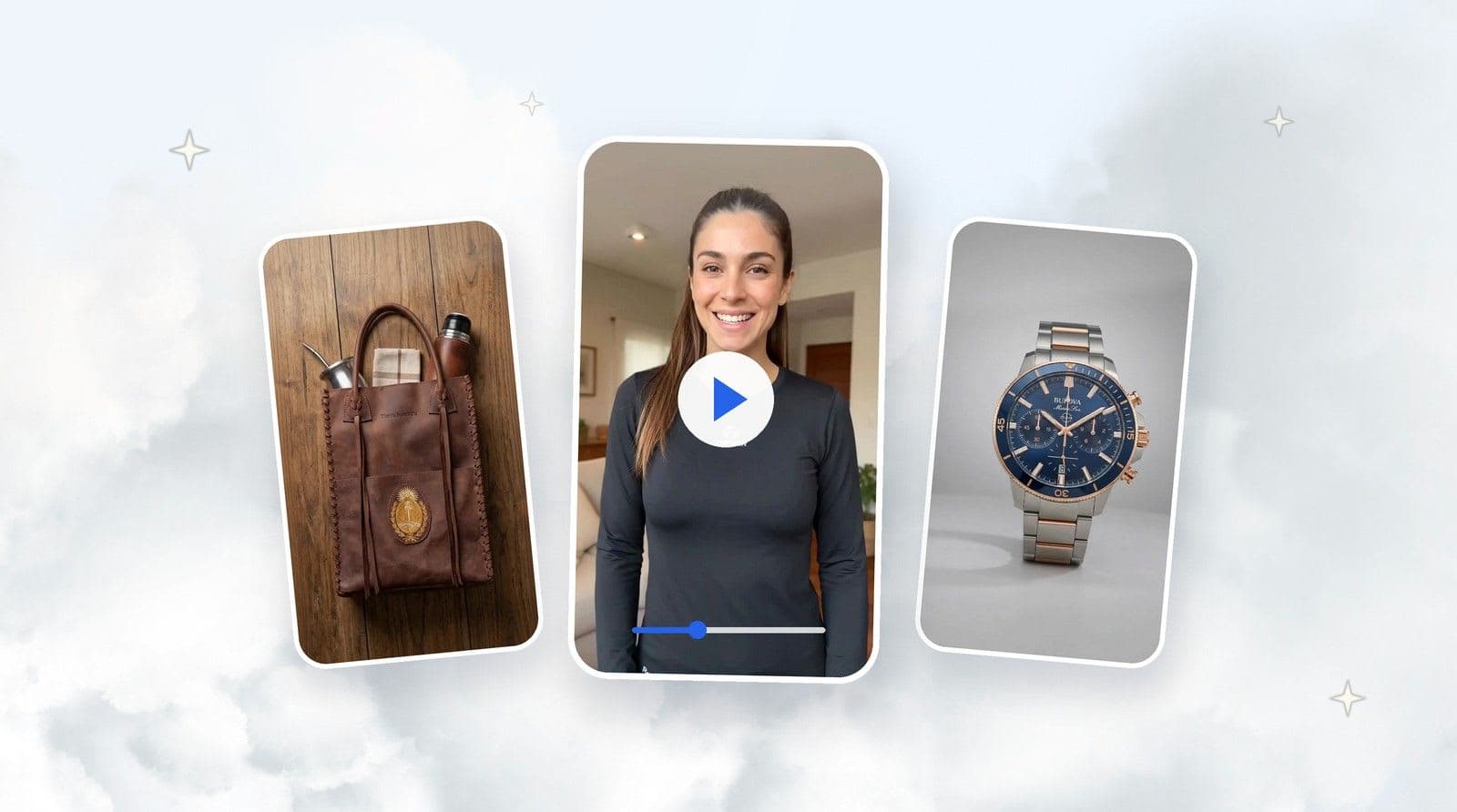
Create AI product images using TiendaPop Draft Mode with just 1 credit. Explore visual ideas in 512px and upscale the best results up to 4K resolution.
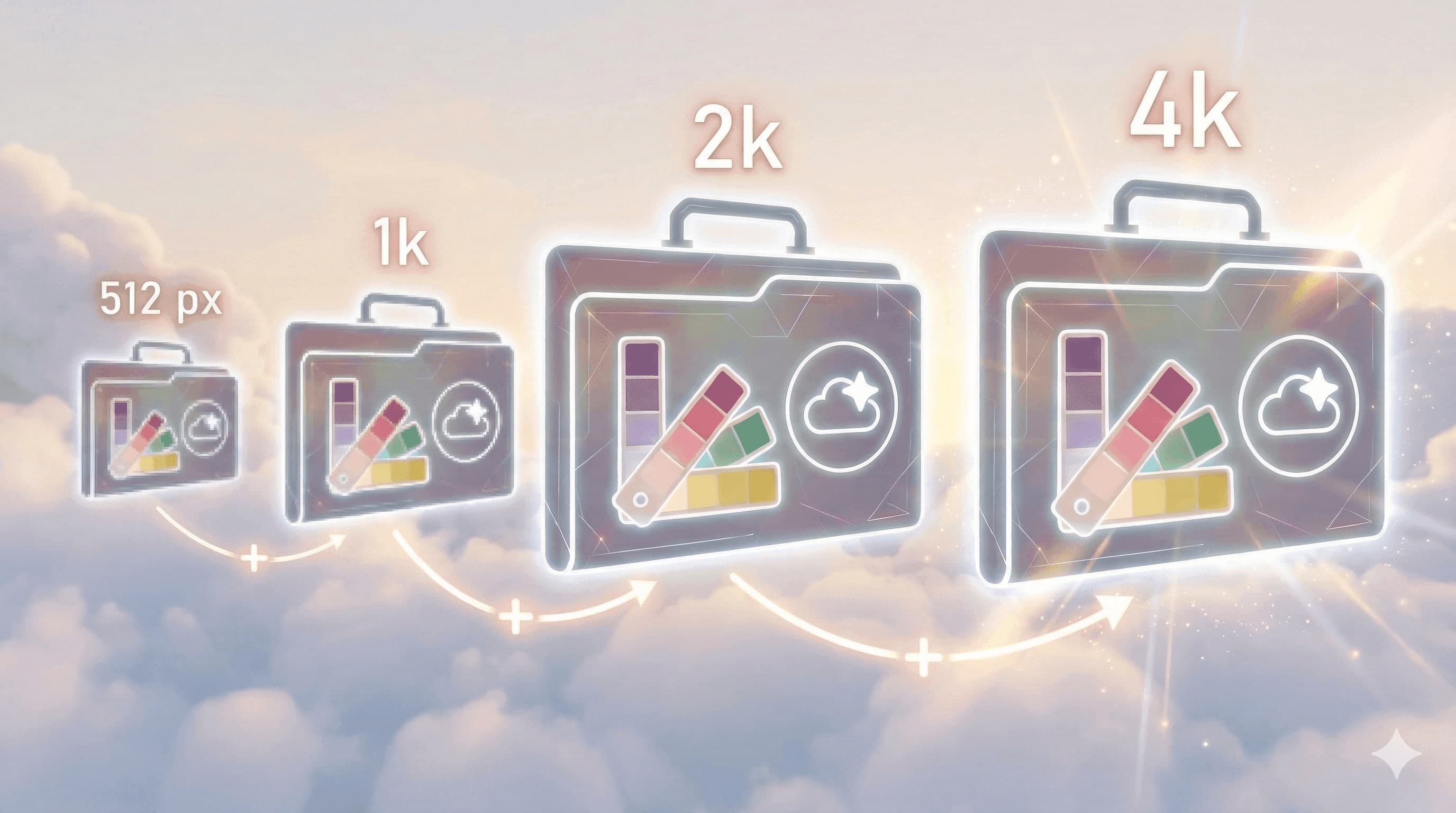
With the latest TiendaPop update, you can now generate images using Draft Mode, which allows you to create images using only 1 credit with the platform’s best AI.
Images are initially generated in 512px, allowing you to explore ideas quickly. Once you find the image you like the most, you can upscale it up to 4K.
The new AI model improves generation speed and visual consistency, making it easier to create high-quality product images for ecommerce.
Draft Mode generates images at 512px resolution using just 1 credit. This allows you to explore multiple visual ideas before creating the final high-resolution image.

After selecting the best generation, you can use the Upscale feature to increase the image resolution.
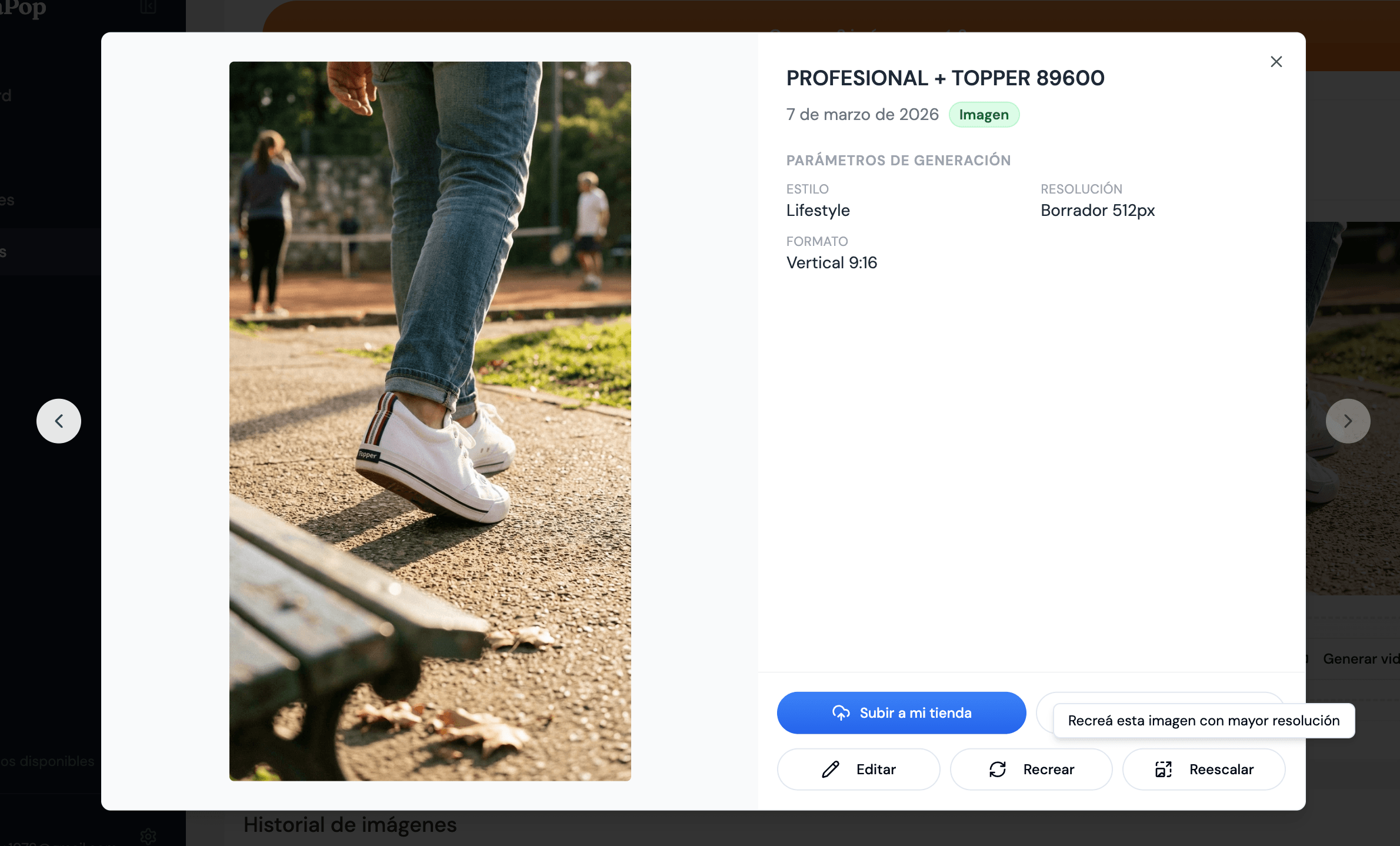

Drag the center slider to compare the image generated in Draft Mode with the upscaled image.

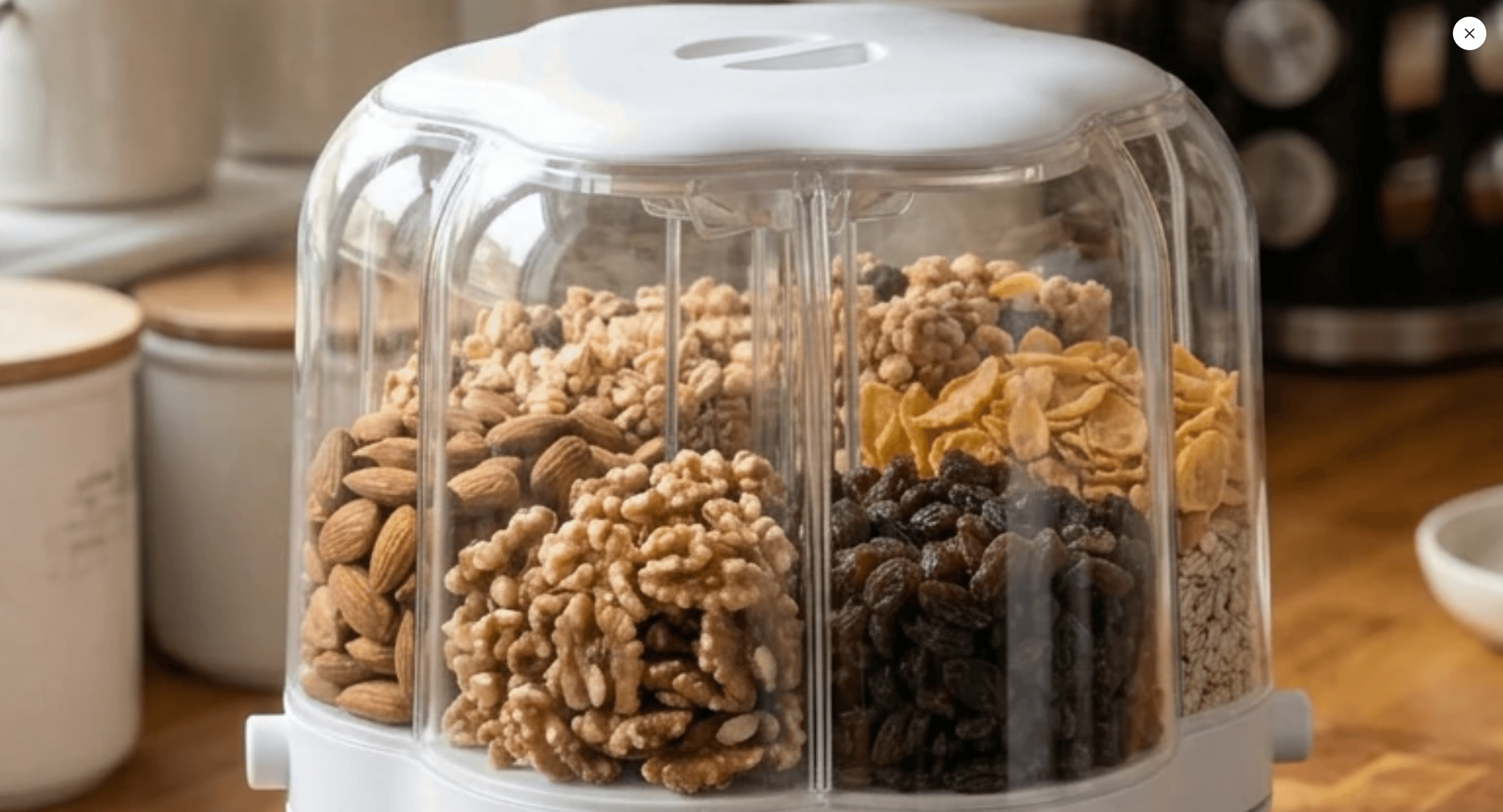
Draft Mode allows you to explore multiple ideas before generating the final high-resolution image.
This helps you optimize your credits and choose only the best images to upscale.
Each generation uses only 1 credit.
Images are generated initially at 512px.
Images can be upscaled up to 4K.
Share article:
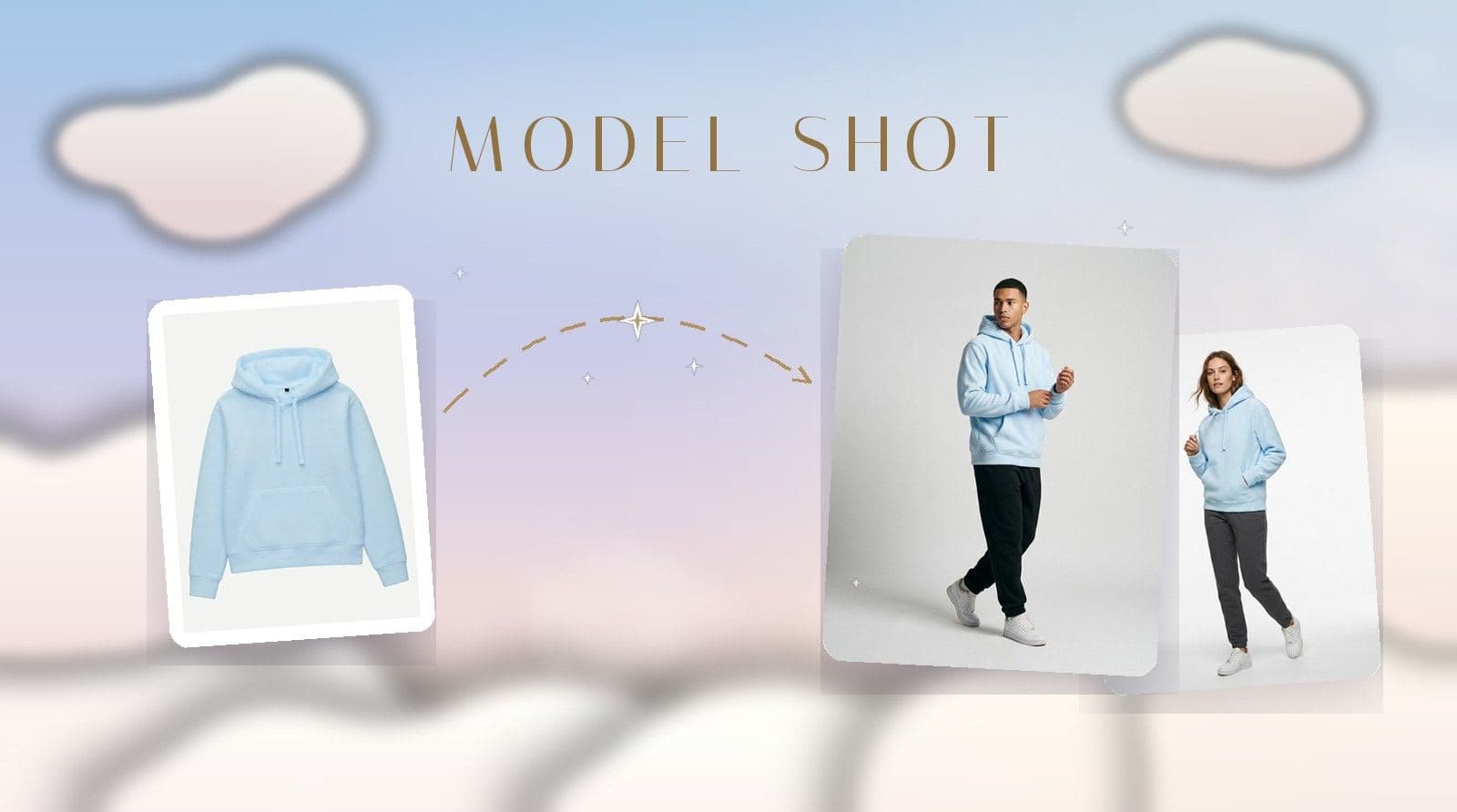
Model Shot is TiendaPop's new style for apparel and accessories: upload the photo of a garment — even a phone photo — and it generates model images with a professional photo studio look.