Discover TiendaPop’s advanced hack to generate a single image combining multiple products from your ecommerce catalog using AI.
In ecommerce, showing products individually is no longer enough. To increase conversion, customers need to see how different products work together in real contexts.
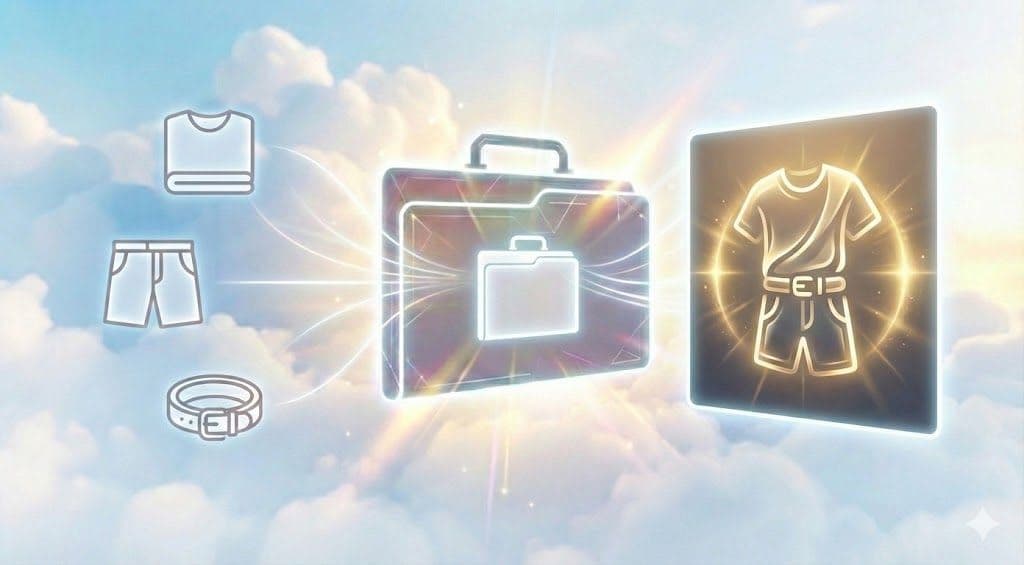
With TiendaPop, store owners can now combine multiple products from their catalog into a single AI-generated image, creating realistic, professional-looking visuals without complex production.
Most online stores display each product separately: a shirt on one page, pants on another, accessories elsewhere.
This forces customers to imagine how products look together, which:
Manually producing lifestyle photos with multiple products is expensive, slow, and hard to scale.
This advanced TiendaPop use case allows you to generate a single image that includes two or more products from your catalog in one coherent scene.
For example:
All products are generated in the same scene, with consistent lighting, perspective, and style.
Below you can see how individual product images are transformed into a single, professional-looking composition.
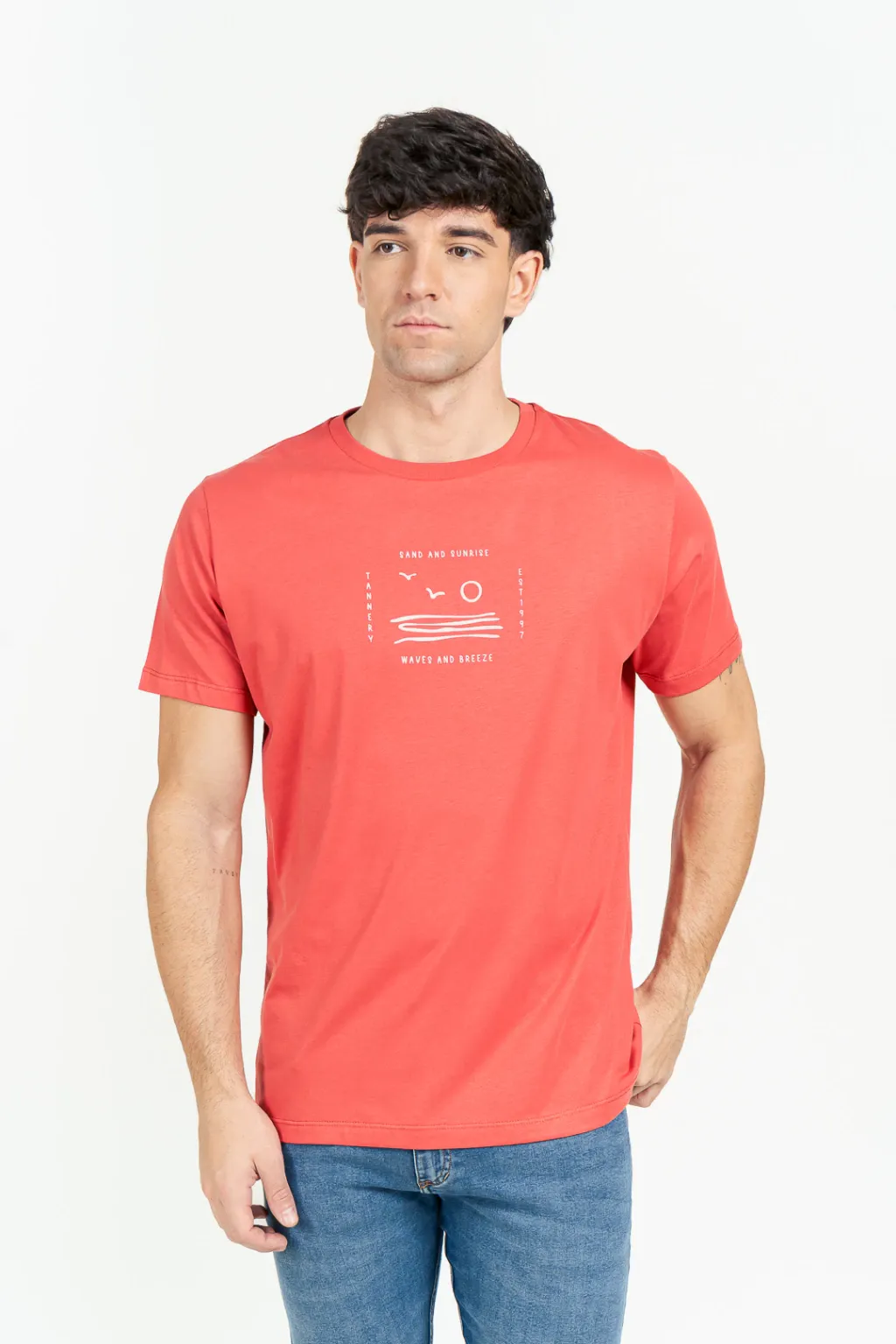
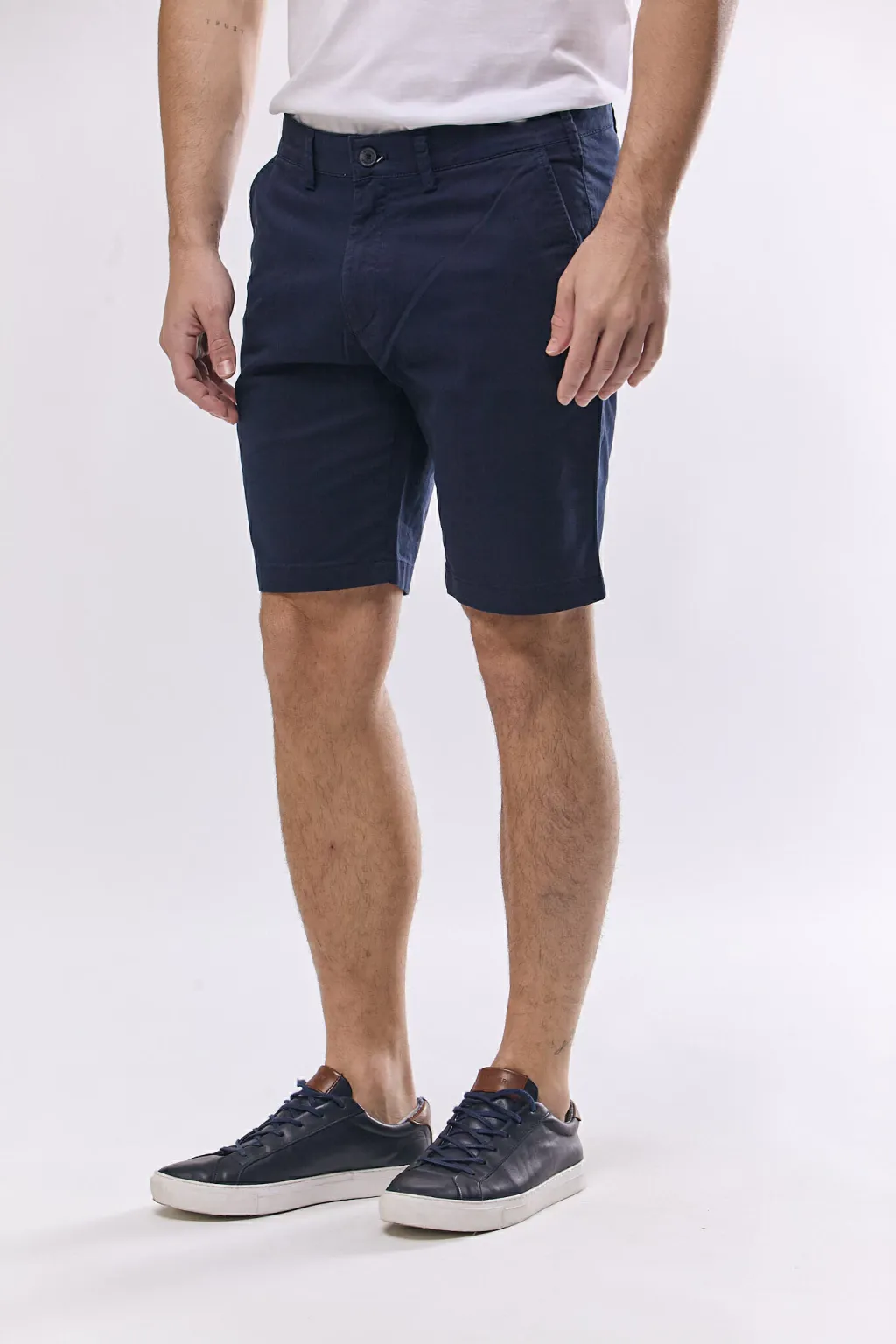
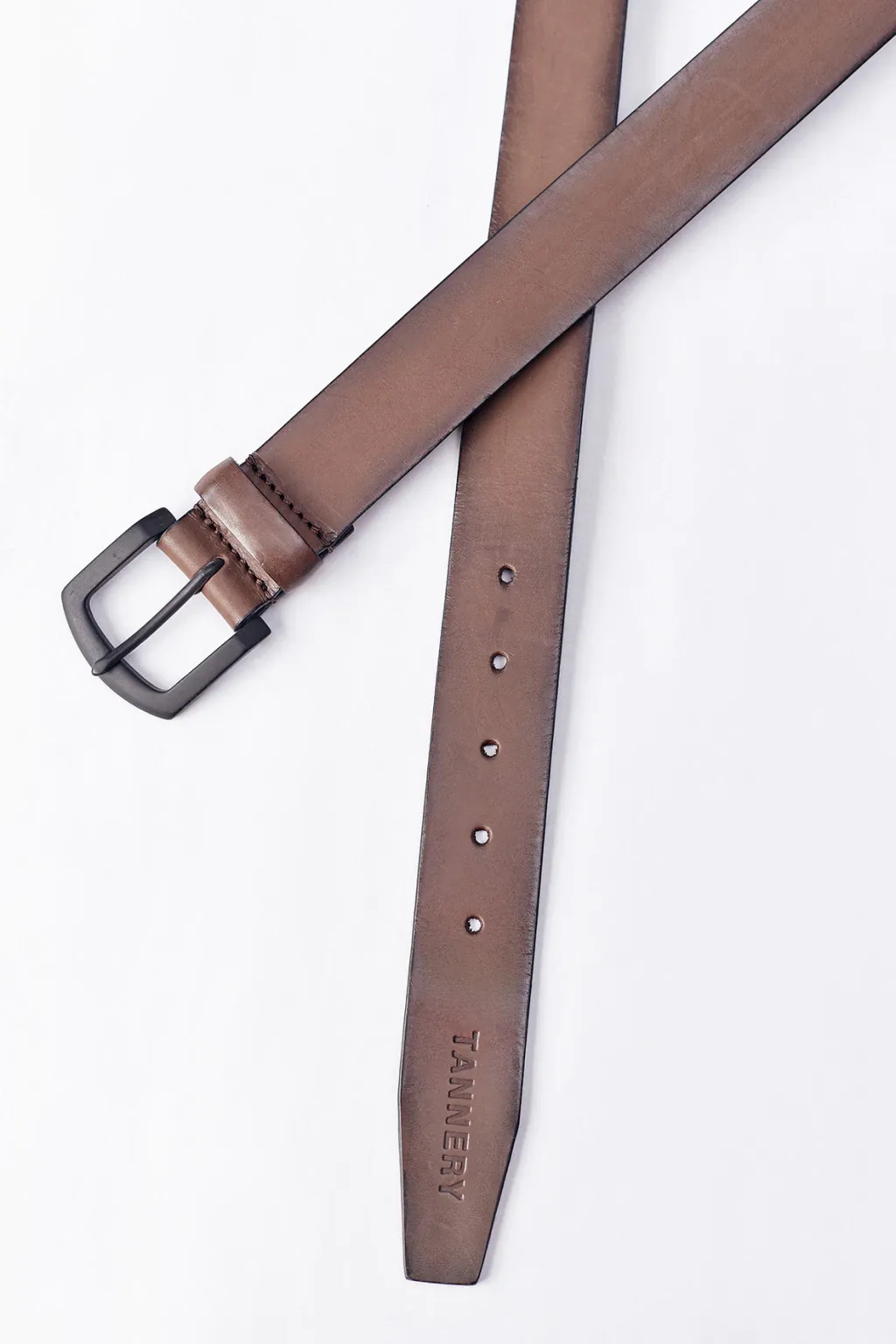
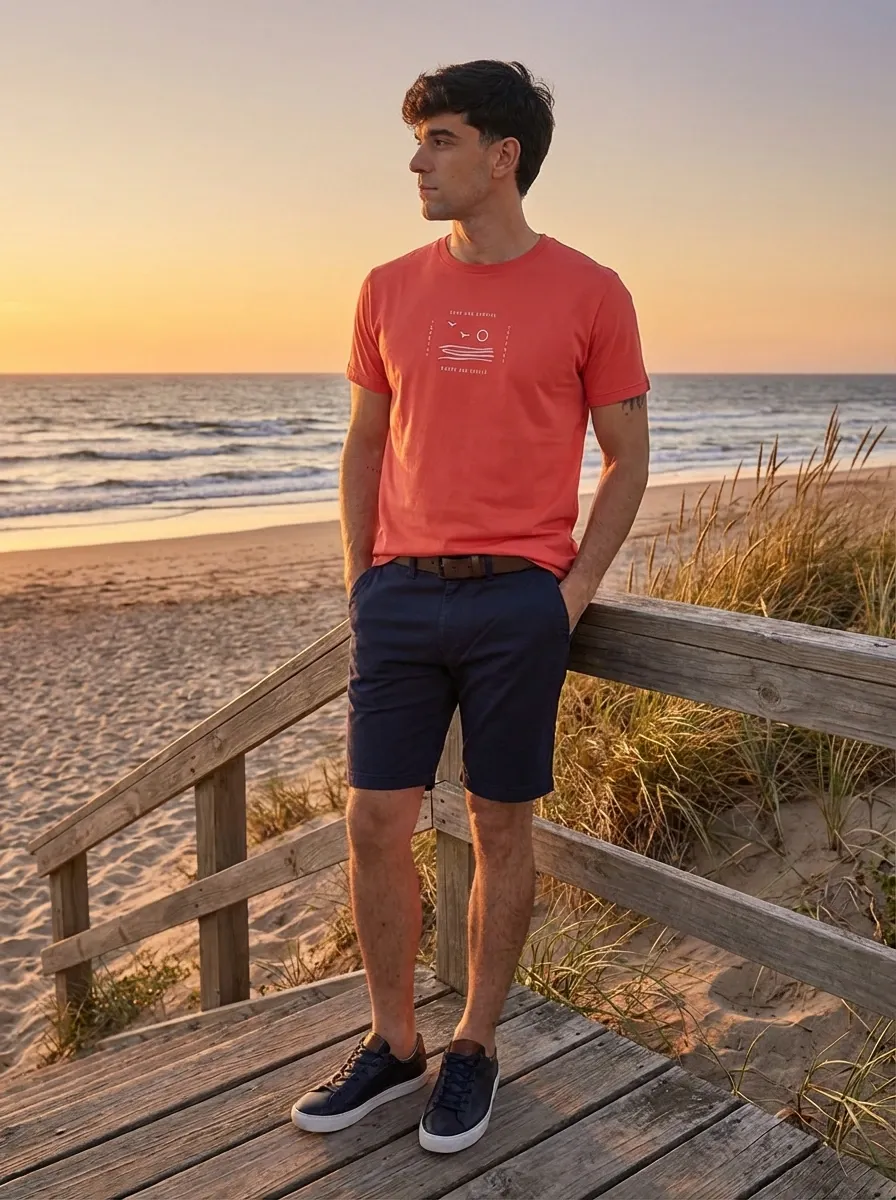
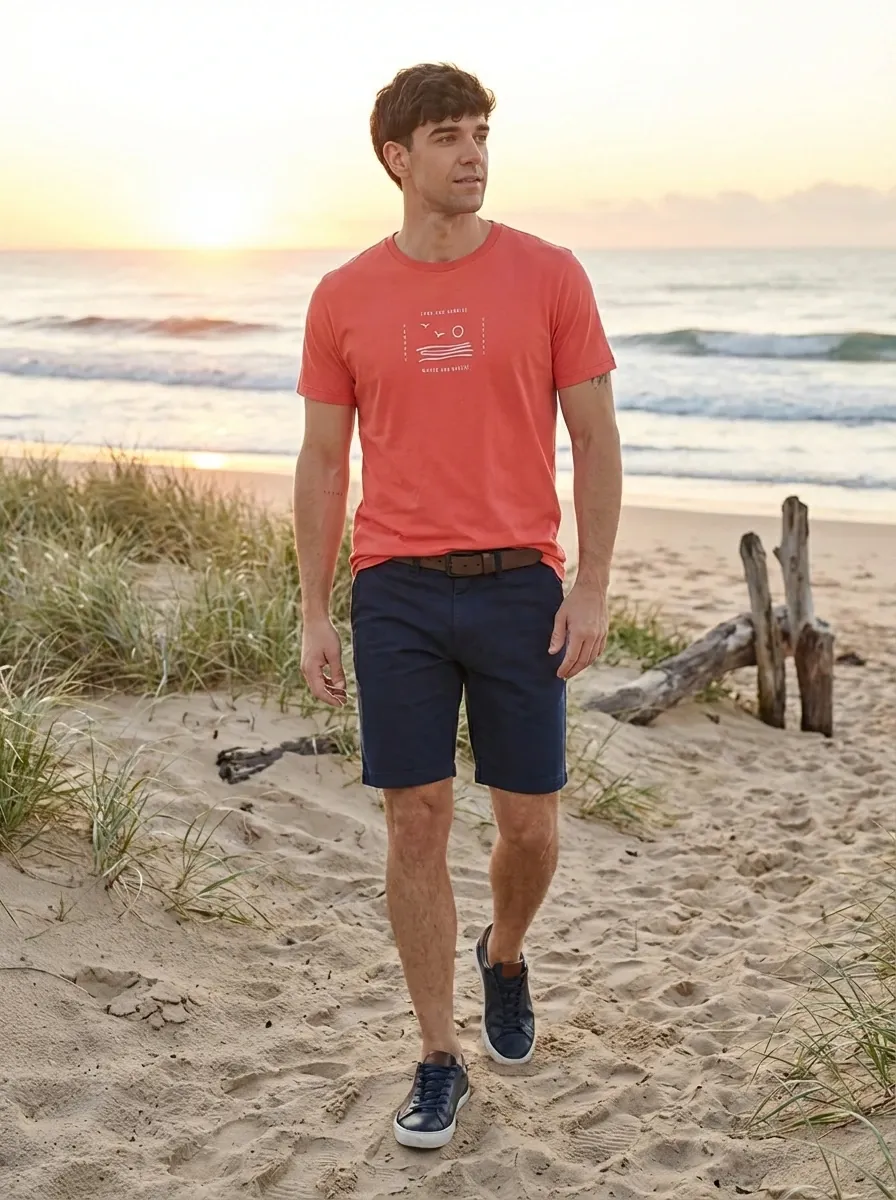
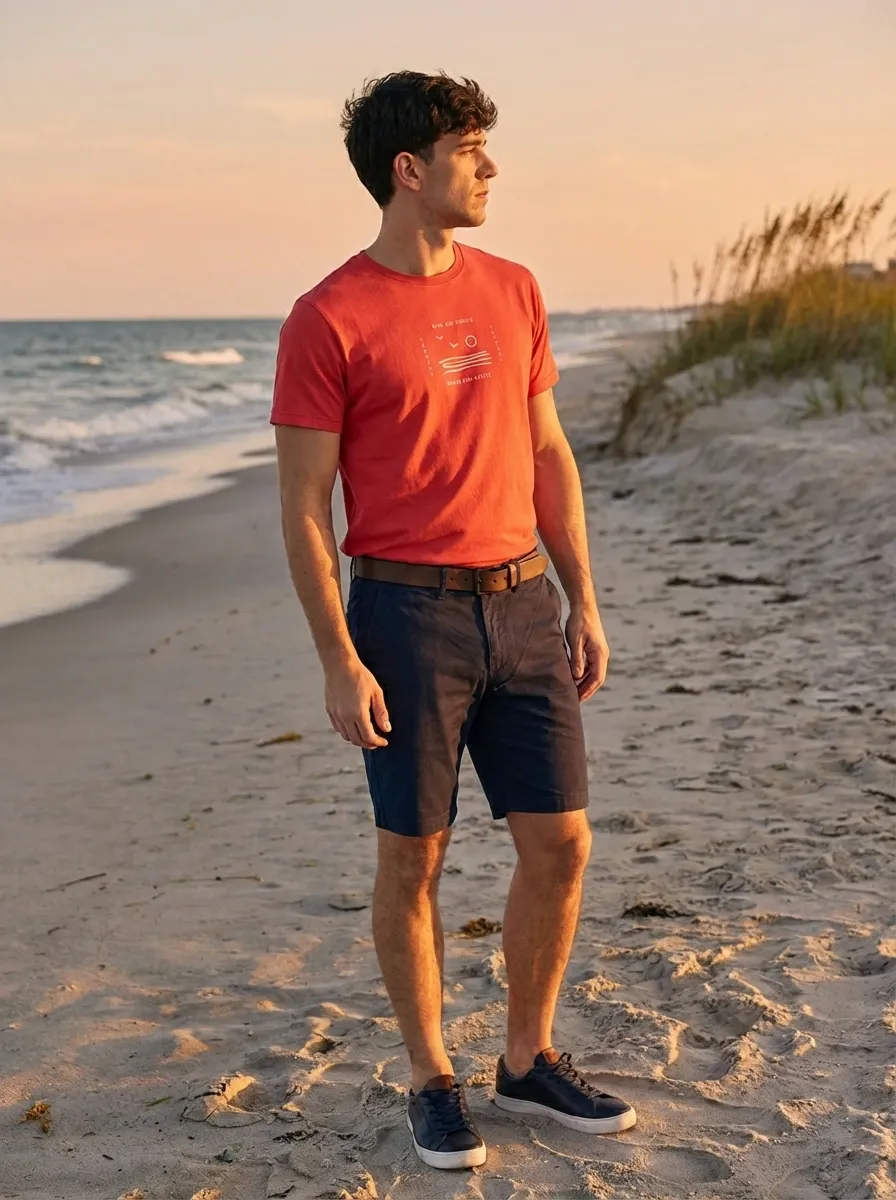
This video shows the real process inside TiendaPop, from selecting products to generating the final image.
You don’t need complex instructions. A simple prompt like this works:
“Create a realistic lifestyle image showing a complete outfit composed of a t-shirt, shorts, and a leather belt. Maintain consistent lighting, natural proportions, and a professional ecommerce aesthetic.”
This feature is available across:
It works on all TiendaPop plans, with no additional configuration.
TiendaPop allows you to transform individual catalog images into complete, conversion-focused visuals in minutes.
Share article:
TiendaPop is now available across Latin America for Tiendanube and Nuvemshop sellers. Generate professional product images in one click — no photo session, no designer.