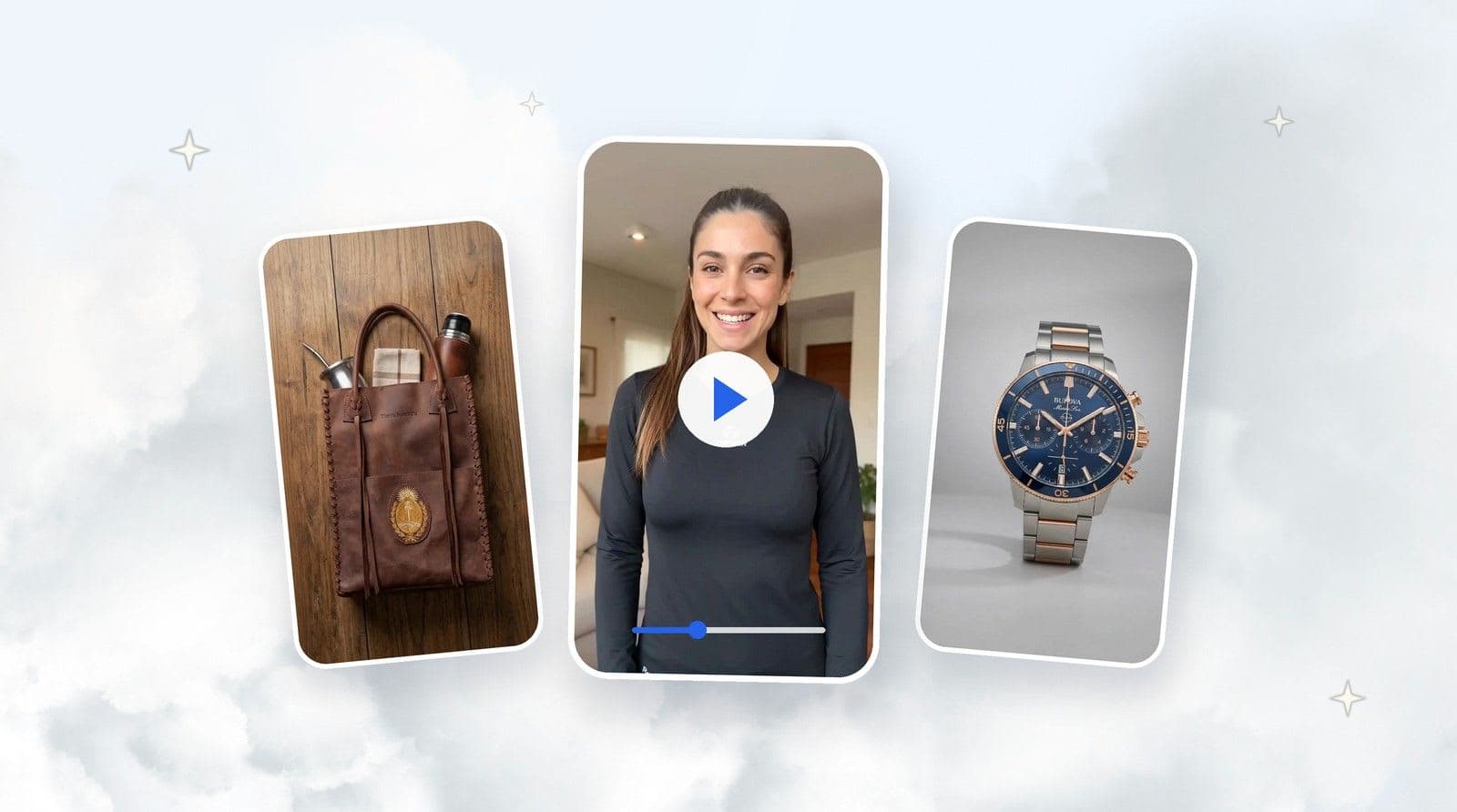
Macro Detail is a TiendaPop Pro style that automatically highlights textures and finishes—ideal as the 2nd or 3rd image in your product carousel.

In ecommerce, buying decisions often come down to the details: a clean stitch, the texture of a fabric, the quality of a zipper, the finish of a surface. If shoppers can’t see those details, they fill in the gaps with imagination… and many times they decide not to buy.
That’s why we created Macro Detail, a new style available in the TiendaPop Pro plan, designed to show your product’s real quality up close — without you having to do anything extra.
When someone buys in a physical store, they can touch the product, turn it around, look closely, and confirm quality for themselves. Online, that entire experience depends on your images.
If your photos only show the product “from far away” or from one angle, shoppers often have questions like:
The more unanswered questions, the more likely they are to leave the product page and keep searching elsewhere.
That’s why showing product details isn’t a luxury: it’s a practical way to build trust and improve conversion.
Macro Detail is an image generation style that:
Best part: you don’t need to do anything extra:
Just choose Macro Detail inside TiendaPop and the AI takes care of the rest — highlighting what shoppers want to see before they decide.
Important: Macro Detail is available exclusively to TiendaPop Pro users.
A strong ecommerce best practice is to treat your images like a sequence (a short “story”):
That’s why we recommend using Macro Detail as the 2nd or 3rd image in your product carousel.
The goal is to show the contrast between a general image and a close-up detail image.
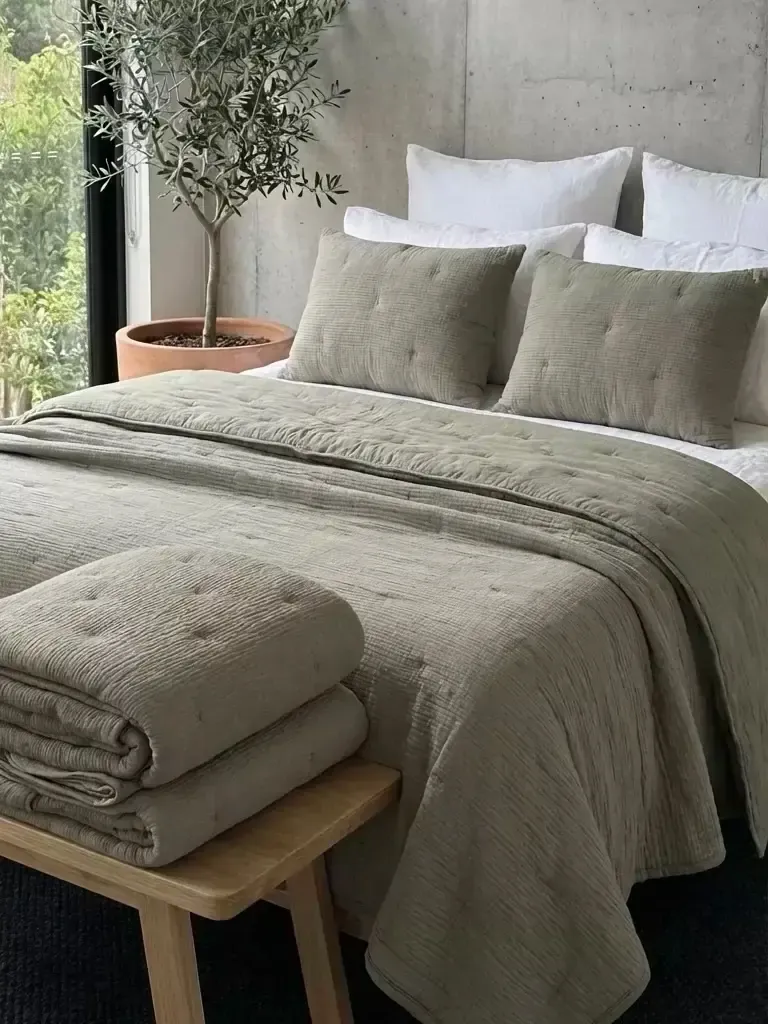
Image 1: product in context (overall view).

Image 2: Macro Detail highlighting textures and finishes.
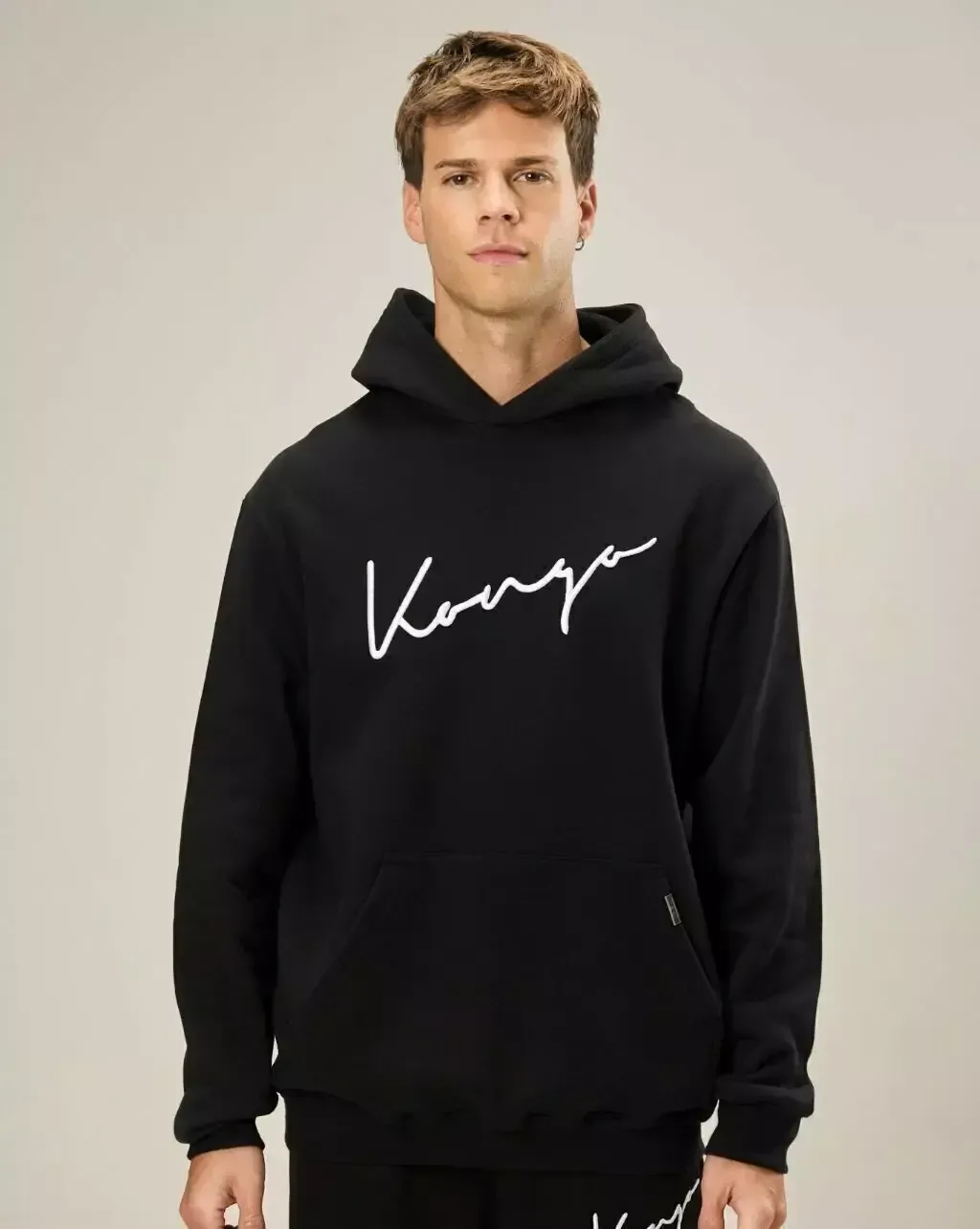
Image 1: product in context (real use).
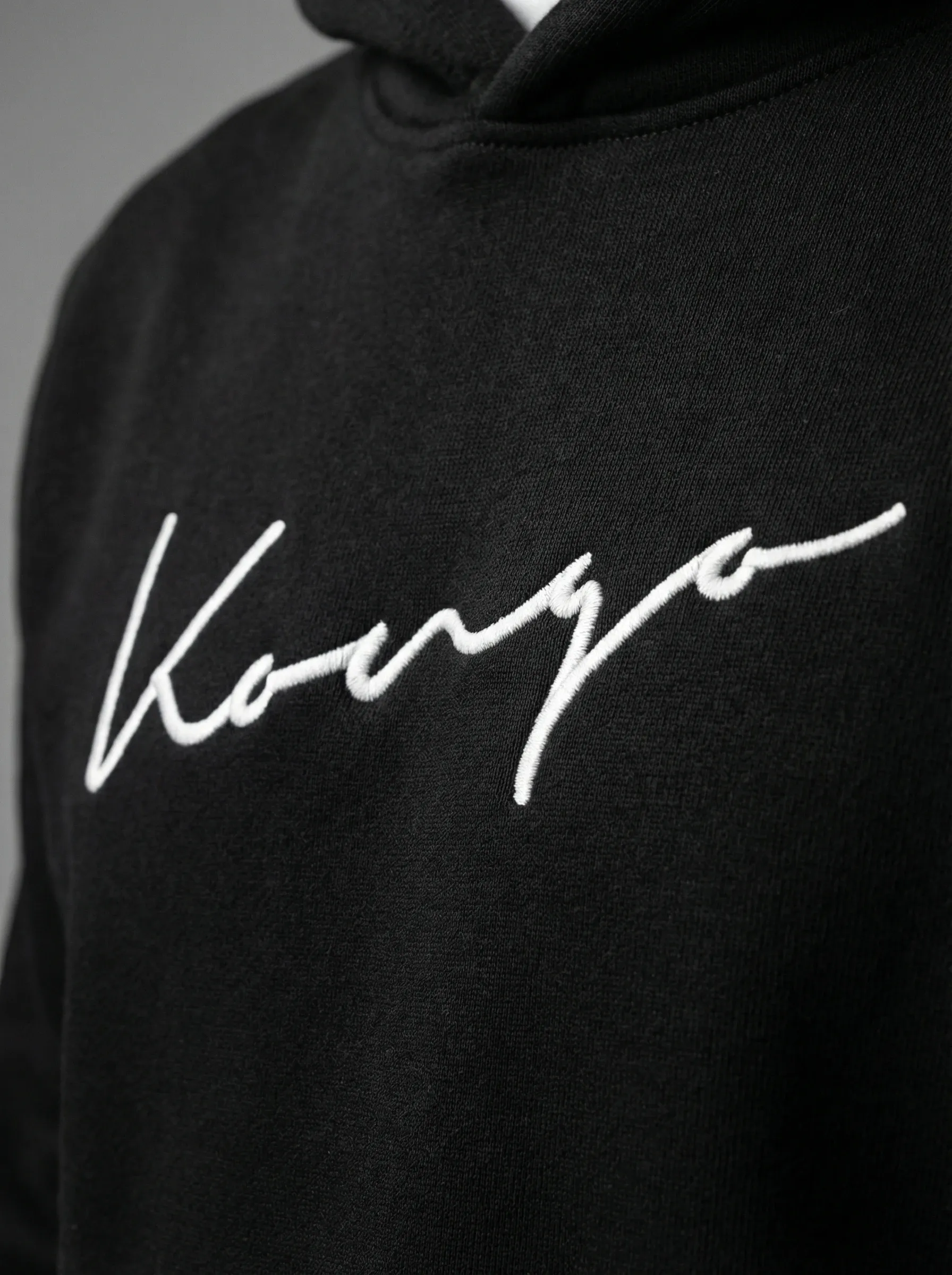
Image 2: Macro Detail showing materials and fine details.

Image 1: product in a lifestyle setting.
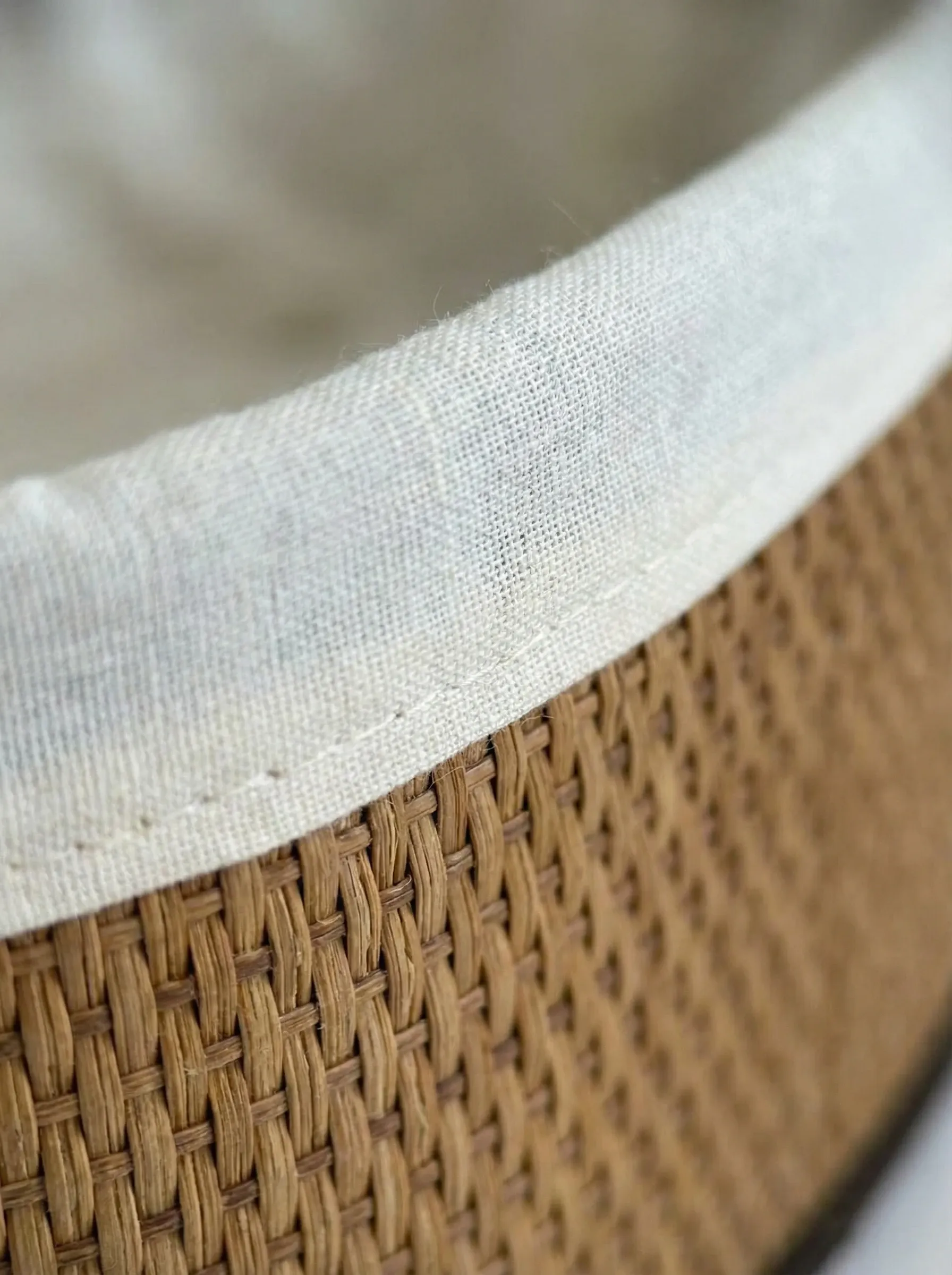
Image 2: Macro Detail focusing on stitching, edges, or closures.
In this video, we show how to generate images using Macro Detail inside TiendaPop.
In every case, the logic is the same: the more clearly quality shows, the more trust shoppers feel.
Macro Detail is a Pro-only style in TiendaPop.
The Pro plan includes, among other things:
If your products are good, it’s worth showing that up close. Macro Detail exists so shoppers can see quality with their own eyes — even through a screen.
You don’t need to configure anything special: choose the style, generate the image, and add it as the 2nd or 3rd photo in your product carousel.
Fewer doubts. More trust. More sales.
If you don’t have an online store yet, you can create one in minutes with Tiendanube:
Share article:
TiendaPop product videos now run 10 seconds, cost 50 credits, and keep your product true to your photos. A full tour of the 8 styles, with examples.