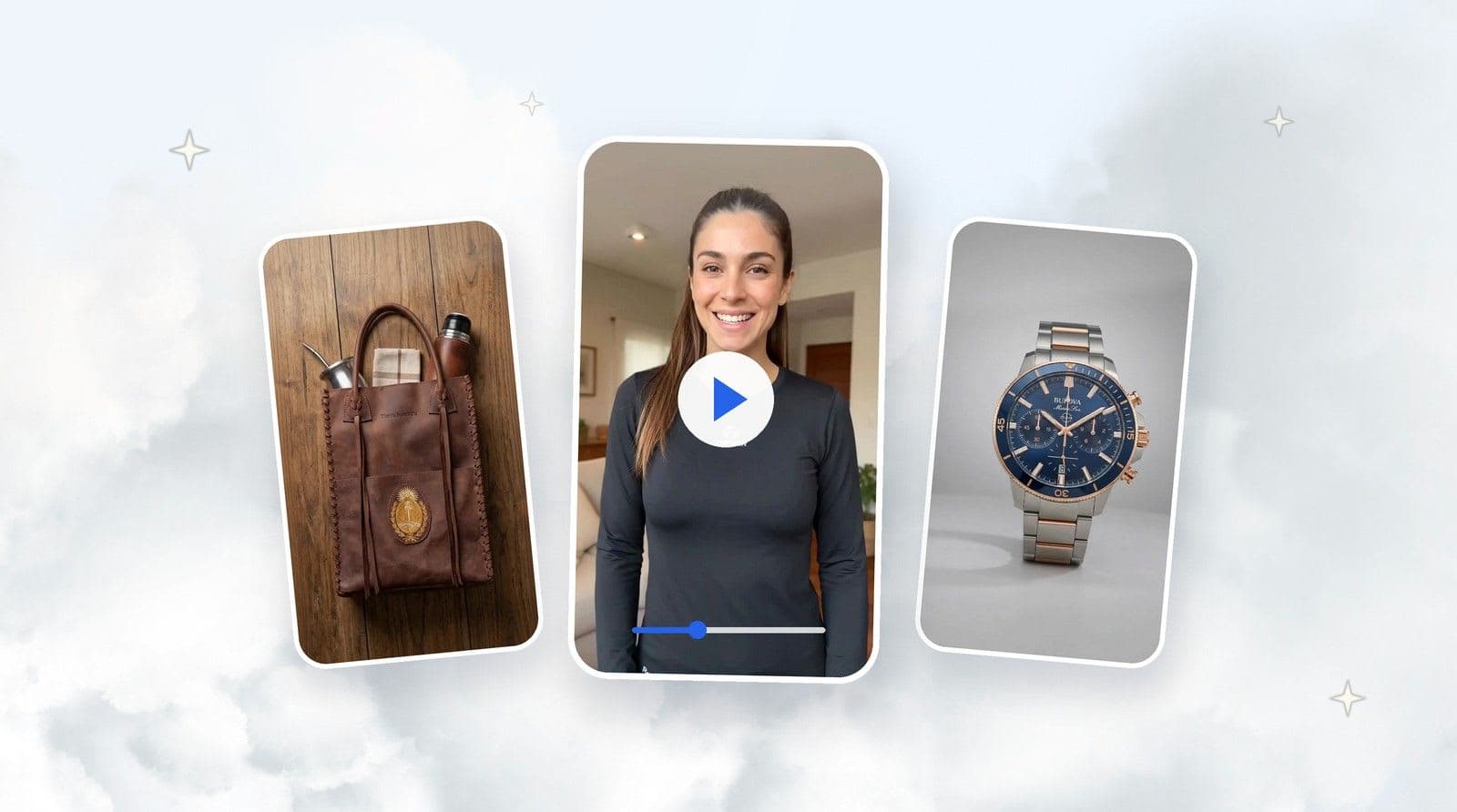
Learn how TiendaPop generates product images from multiple angles using AI, keeping the same scene and visual consistency — just like a professional photo session for ecommerce.
In ecommerce, it’s not enough to have good photos — you need product images that are consistent, professional, and designed to sell. Today, AI makes it possible to achieve results comparable to a professional photo shoot, but in a fraction of the time.
With its new Perspective Variants feature, TiendaPop allows you to generate product images from multiple angles using AI, keeping the same scene, context, and visual style — ideal for ecommerce product pages.
Many online stores still rely on a single main image or a set of photos that don’t look like part of the same session. This creates uncertainty, lowers perceived quality, and directly impacts conversion.
An effective product page needs:
Achieving this with traditional photography requires time, budget, and coordination. That’s where AI for ecommerce makes the difference.
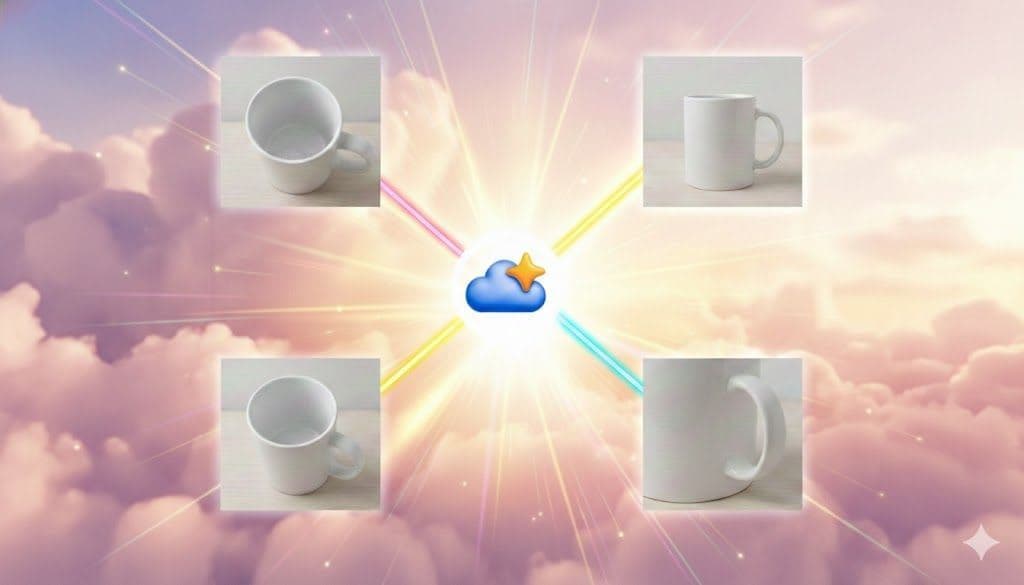
Perspective Variants allow you to generate multiple images of the same product within the same scene, captured from different angles, just like a professional photo session.
These are not random images — they are the same base image reinterpreted from different viewpoints, maintaining lighting, style, context, and visual consistency.
Before diving into the process, take a look at how a series of images generated from different angles looks — all within the same scene, as if shot in a professional session.
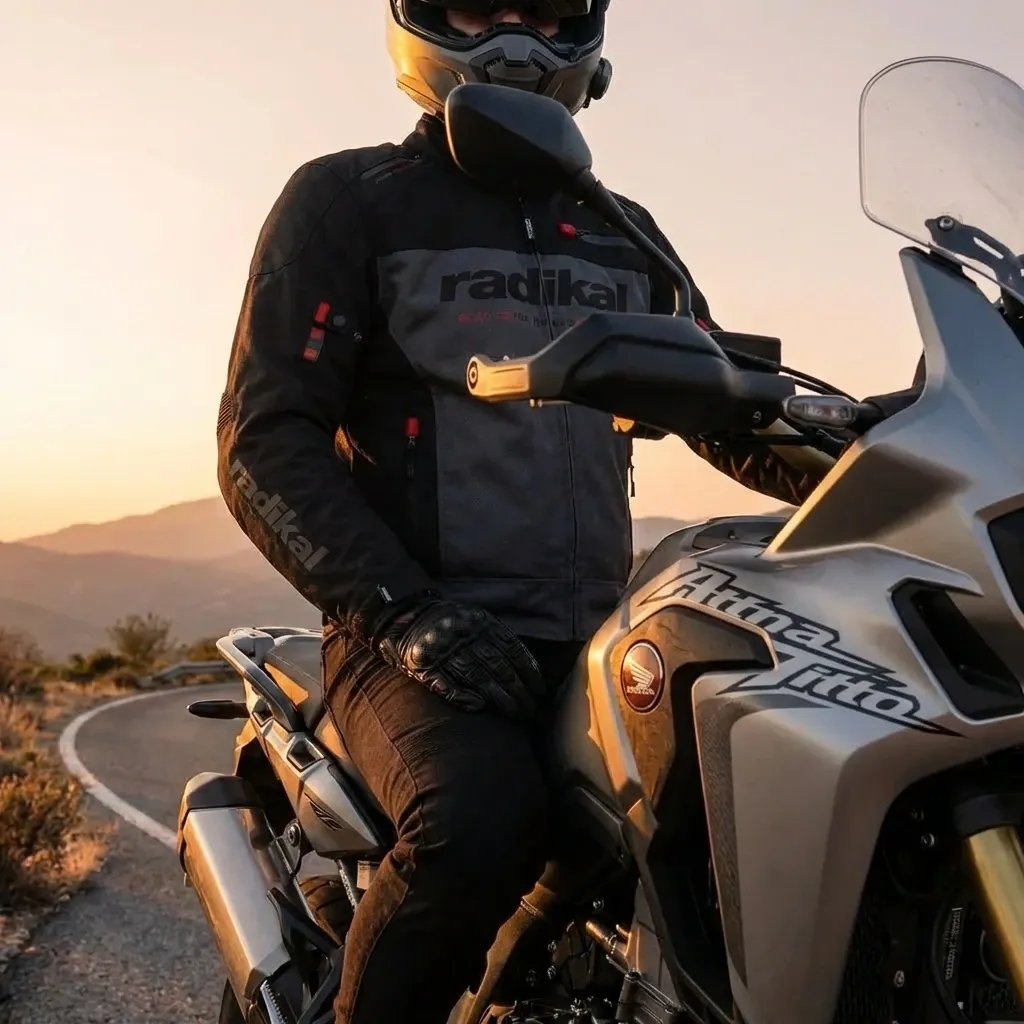

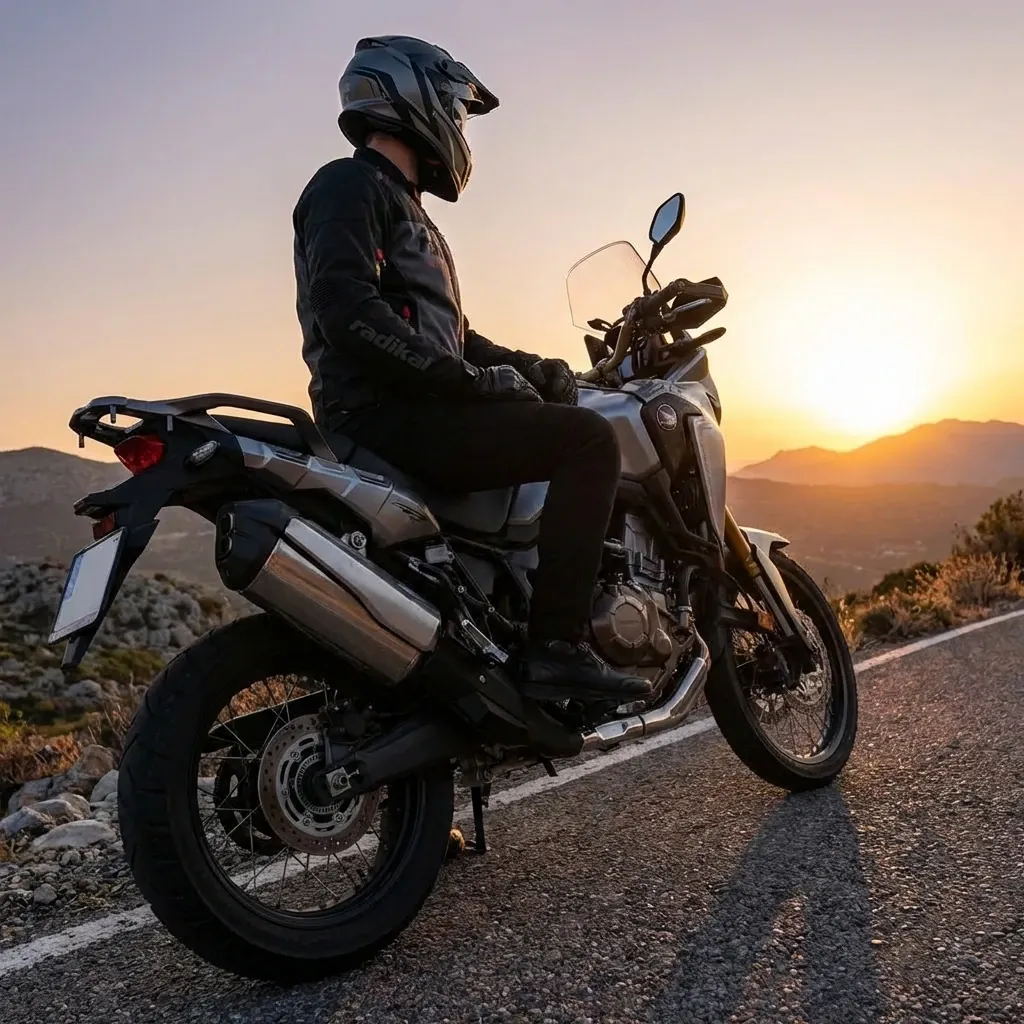
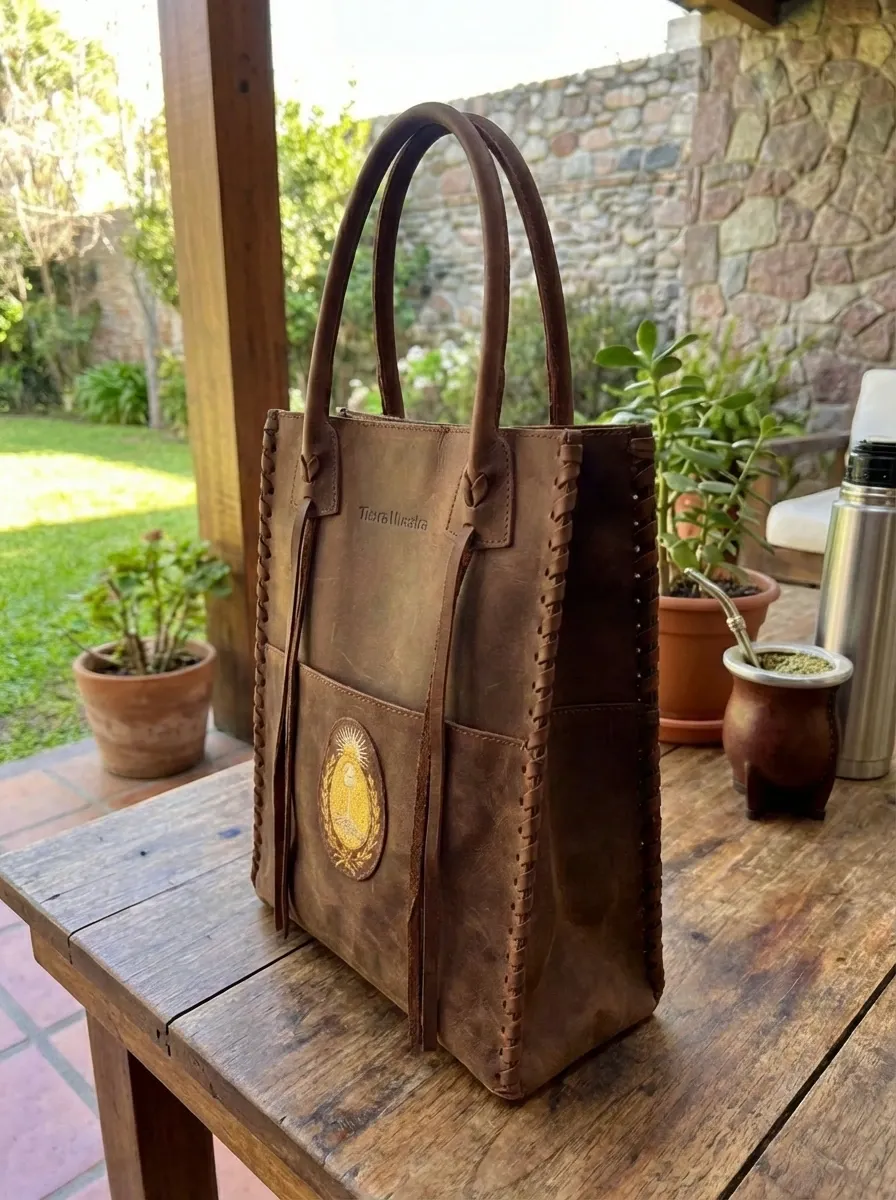
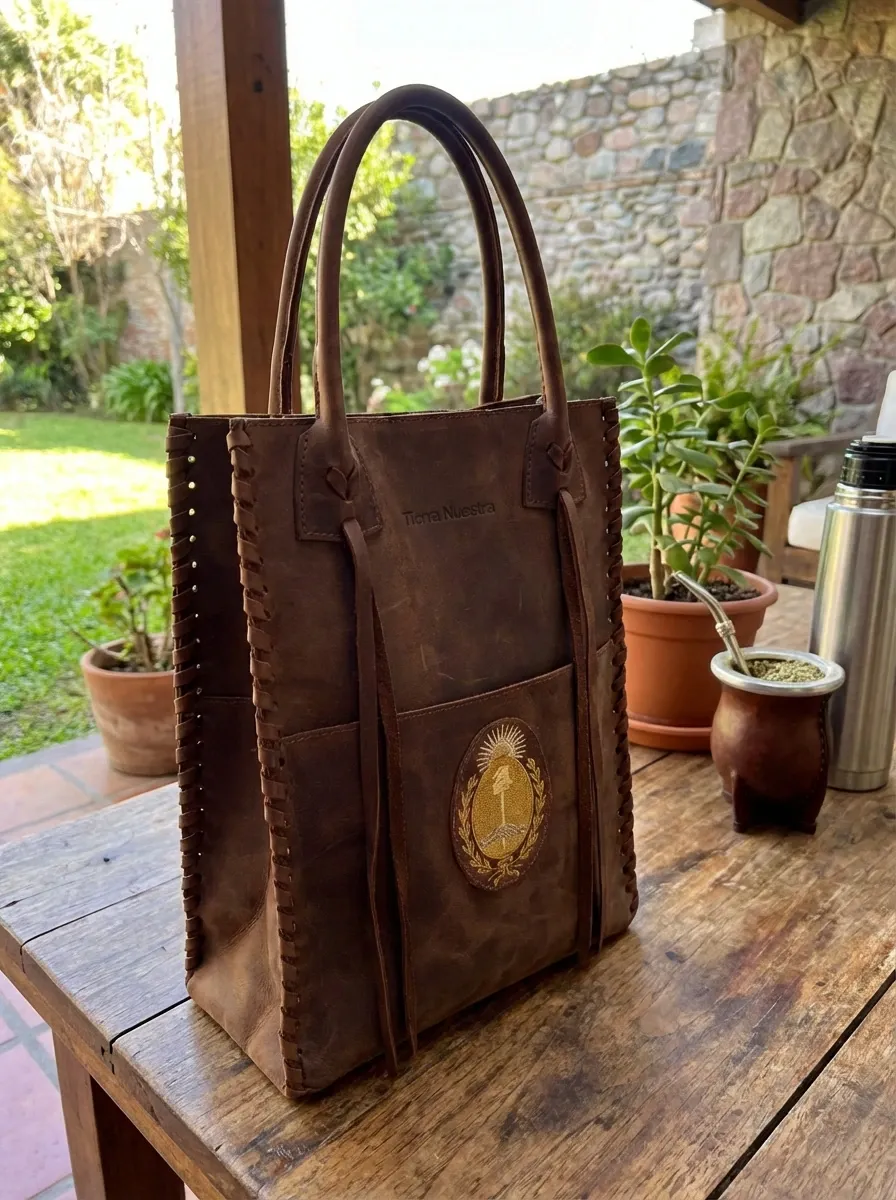
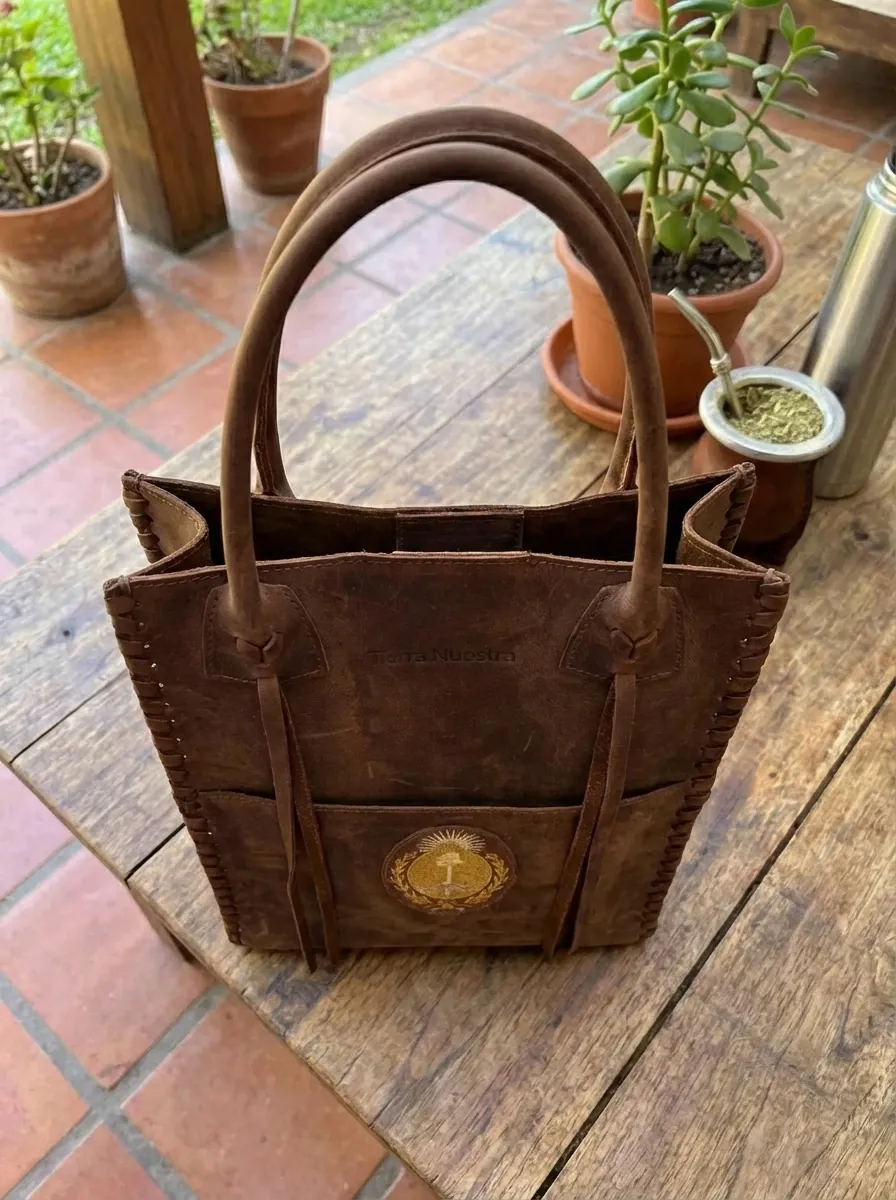
The generation flow is designed to save time and avoid repetitive steps. Everything happens in a single execution — no need to generate images one by one.
TiendaPop generates all angles in a single process, keeping visual consistency across every image.
This is the new section in the generation flow where you activate the creation of multiple angles from the same base image.

With this feature, the AI automatically selects the angles based on predefined perspectives optimized for ecommerce.
The result is a set of professional product images, ready to publish.
This feature is designed specifically to show a product in context with multiple shots, just like a professional photo session.
It does not replace your existing images: you can choose to upload these as the first, second, or third image in your product gallery.
Once generated, you can:
You can also select only the angles you like most and publish them together.
This feature is ideal for ecommerce owners and digital agencies.
With TiendaPop, a single image can become a complete set of consistent, professional product images, ready to convert more sales.
From basic photo to professional image: the TiendaPop process
If you want to improve the visual quality of your product pages without photographers or complex production, this feature lets you do it in minutes.
Share article:
TiendaPop product videos now run 10 seconds, cost 50 credits, and keep your product true to your photos. A full tour of the 8 styles, with examples.