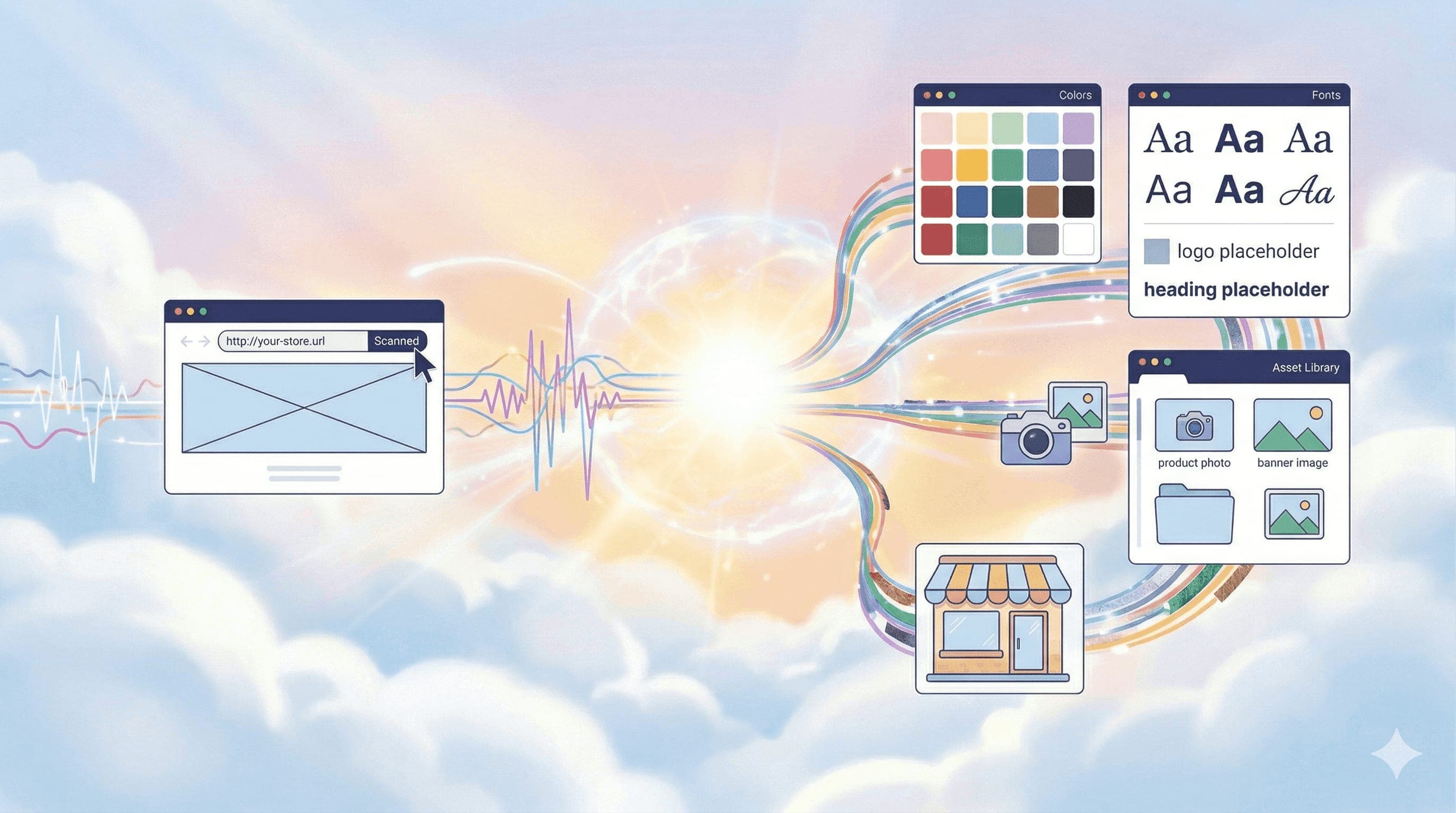
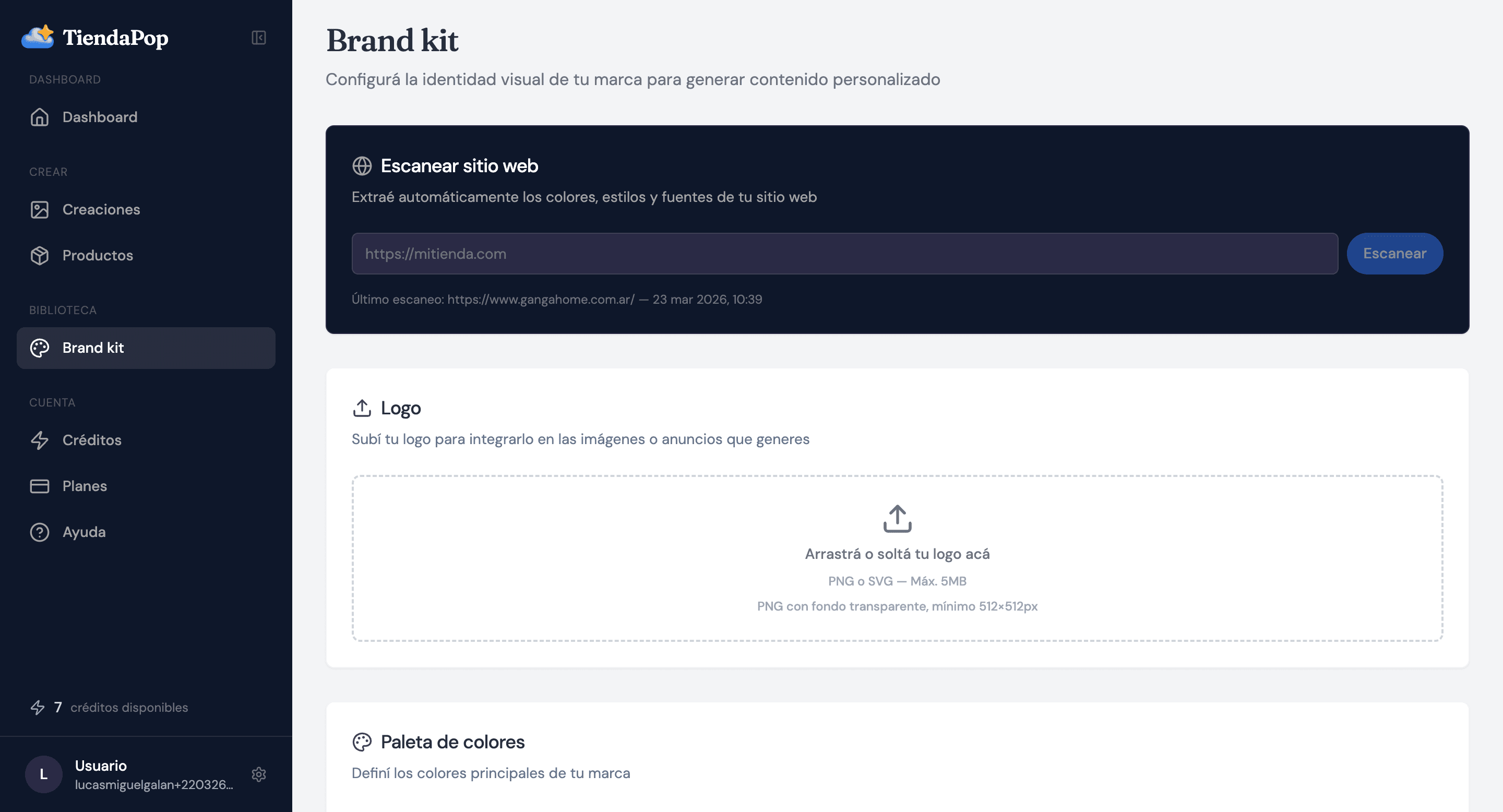
Paste your store URL and TiendaPop automatically detects your logo, colors, fonts and reference images. You can also add physical store photos for the Retail style.
Until now, setting up the Brand Kit in TiendaPop required uploading your logo and choosing colors manually. That has changed.
With the new Brand Kit, paste your store URL and TiendaPop automatically extracts everything: logos, main colors, fonts, and reference images. In seconds, the AI knows what your brand looks like and starts using it in every generation.
To learn about the previous version, read: Brand Kit in TiendaPop: how to maintain your visual identity with AI.
The previous version asked you to configure your brand element by element. The new Brand Kit flips that: give your store URL and TiendaPop detects everything automatically. You review, adjust, and save. You can also add physical store photos for the Retail style.
Everything detected is editable before saving.
Logos: finds all logos on your site so you can choose which to apply.
Colors: extracts the dominant color palette from your site.
Fonts: detects the typefaces your store uses.
Reference images: identifies banners and product photos for style guidance.
Upload photos of your physical store to the Brand Kit. TiendaPop analyzes the visual style and uses it as reference for Retail style images.
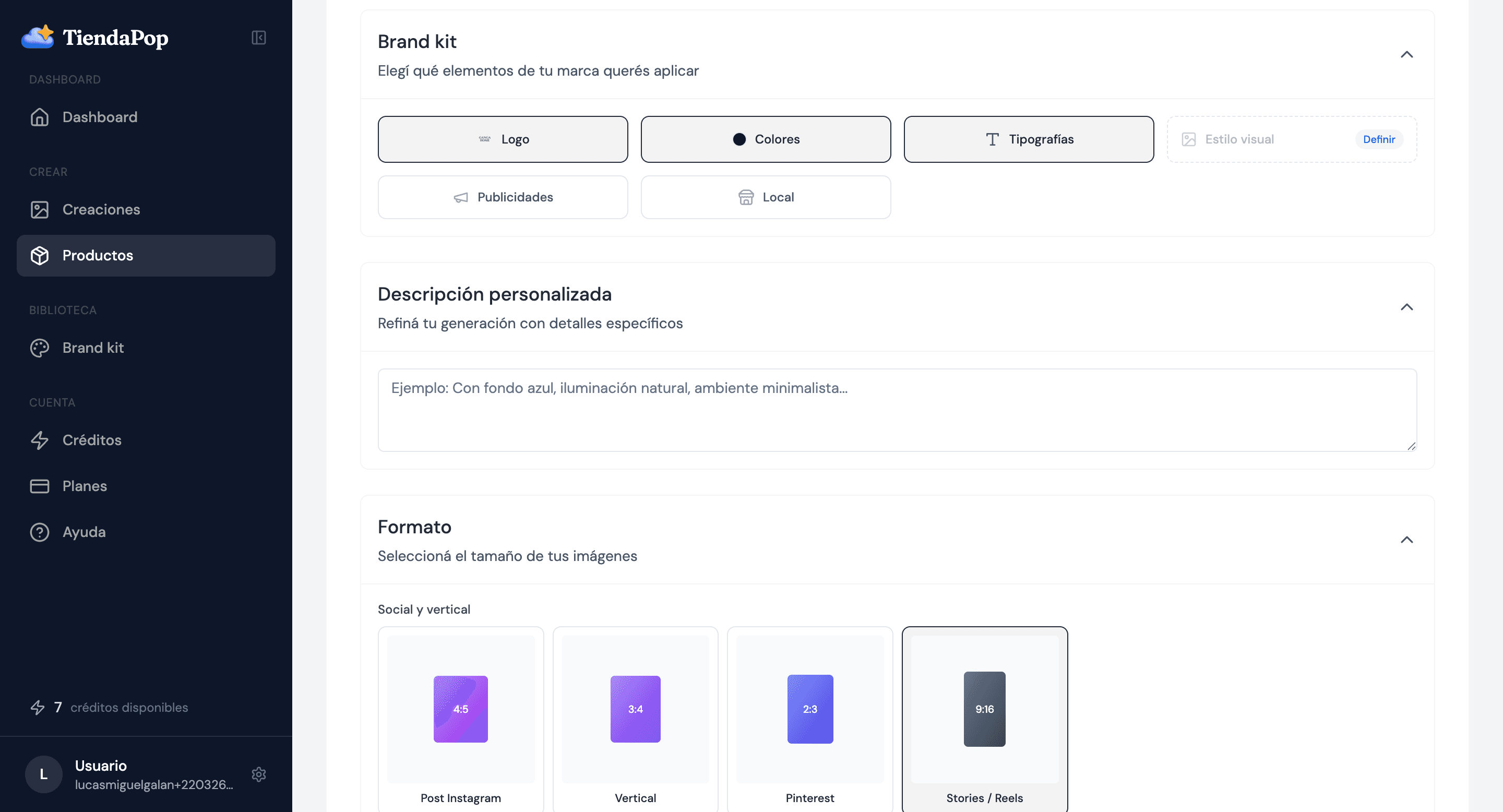
From the generation panel, activate or deactivate: Logo, Colors, Fonts, Ads and Store.
Visual consistency is a concrete conversion factor. When a potential customer sees your products on Instagram, clicks through, and everything looks the same — same colors, same style — trust increases. And trust sells.
No. You can still upload elements manually. The scan is a faster option and everything is editable.
You can deselect any element before saving.
It applies to images and ads.
Share article:
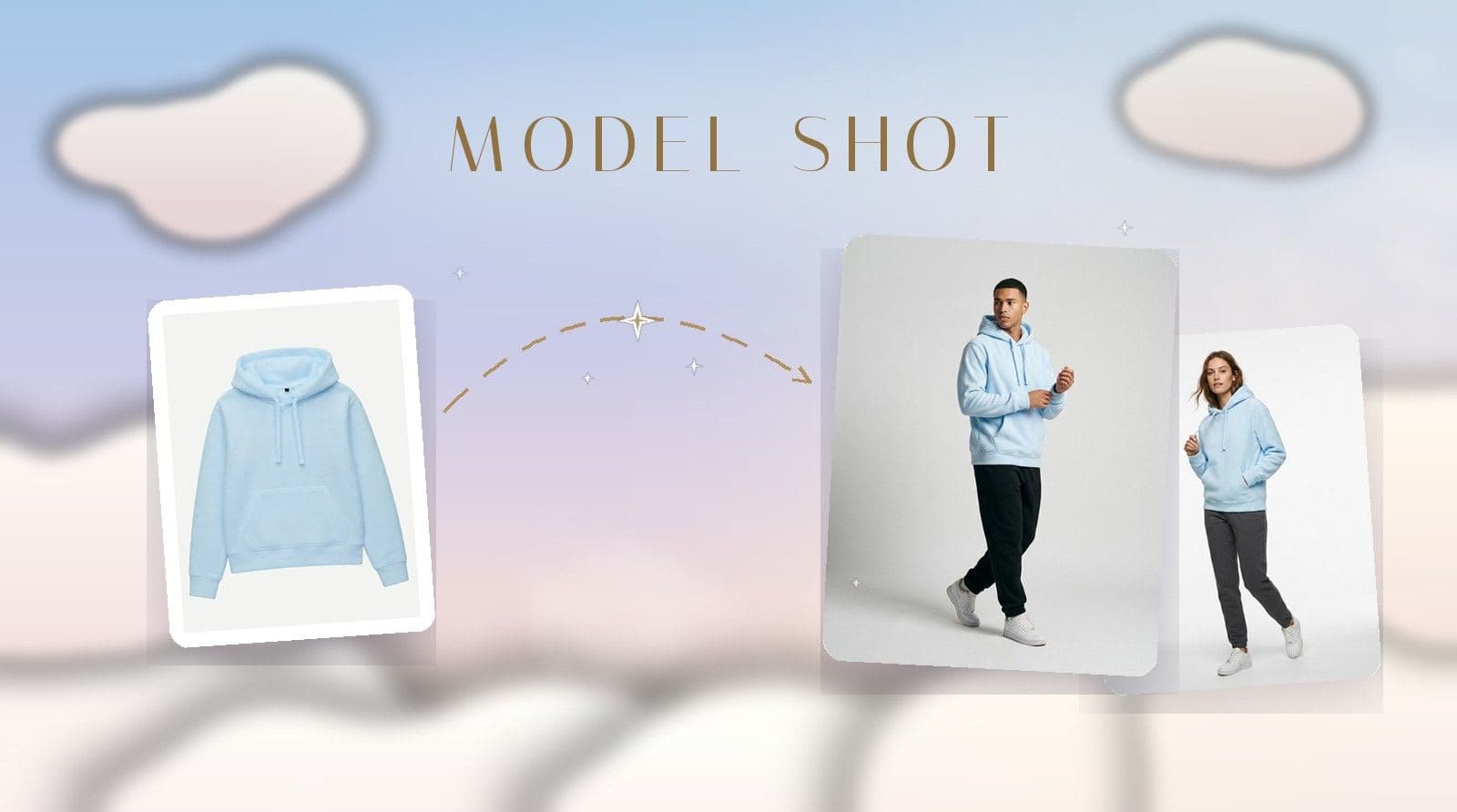
Model Shot is TiendaPop's new style for apparel and accessories: upload the photo of a garment — even a phone photo — and it generates model images with a professional photo studio look.