Discover how TiendaPop’s Brand Kit applies your logo and brand colors to AI-generated images and ad creatives so your visual identity stays consistent across your store, ads and social media.

Building a strong brand is not just about having a good logo: it’s about keeping visual consistency in every image and ad. At TiendaPop we created the Brand Kit so your visual identity is automatically respected in the content you generate with AI — without designers, templates or manual edits.
If you sell online, especially if you have a store on Tiendanube, keeping a consistent look between your site, your ads and your social media is key to build trust and sell more.
In this article we explain how the Brand Kit in TiendaPop works today, what you can configure and how it impacts your images and ads. If you want to go deeper into how TiendaPop improves your product pages, you can also read: What is TiendaPop? The AI platform for images, videos and content.
The Brand Kit is a section where you can currently set:

With that information, TiendaPop uses AI to generate images and ad creatives that respect your visual identity: it combines your logo and brand colors with lifestyle scenes and compositions designed for ecommerce.
Important: today the Brand Kit is applied to images and ads generated on the platform. It is not yet applied to videos.
The current flow is simple: you upload your logo and define your brand’s primary and secondary colors, and TiendaPop uses that information as a visual base in the images and ads you generate.
First, you define the central elements of your identity:
With those three inputs, TiendaPop can already generate visual proposals more aligned with your brand, both for lifestyle images and ad creatives.
The colors you define in the Brand Kit are naturally integrated into:
The result: content that looks on-brand, even if you started from a quick phone photo.

Below you can see a space designed for examples of AI-generated images using TiendaPop’s Brand Kit, showing how your brand colors and logo live inside lifestyle scenes.
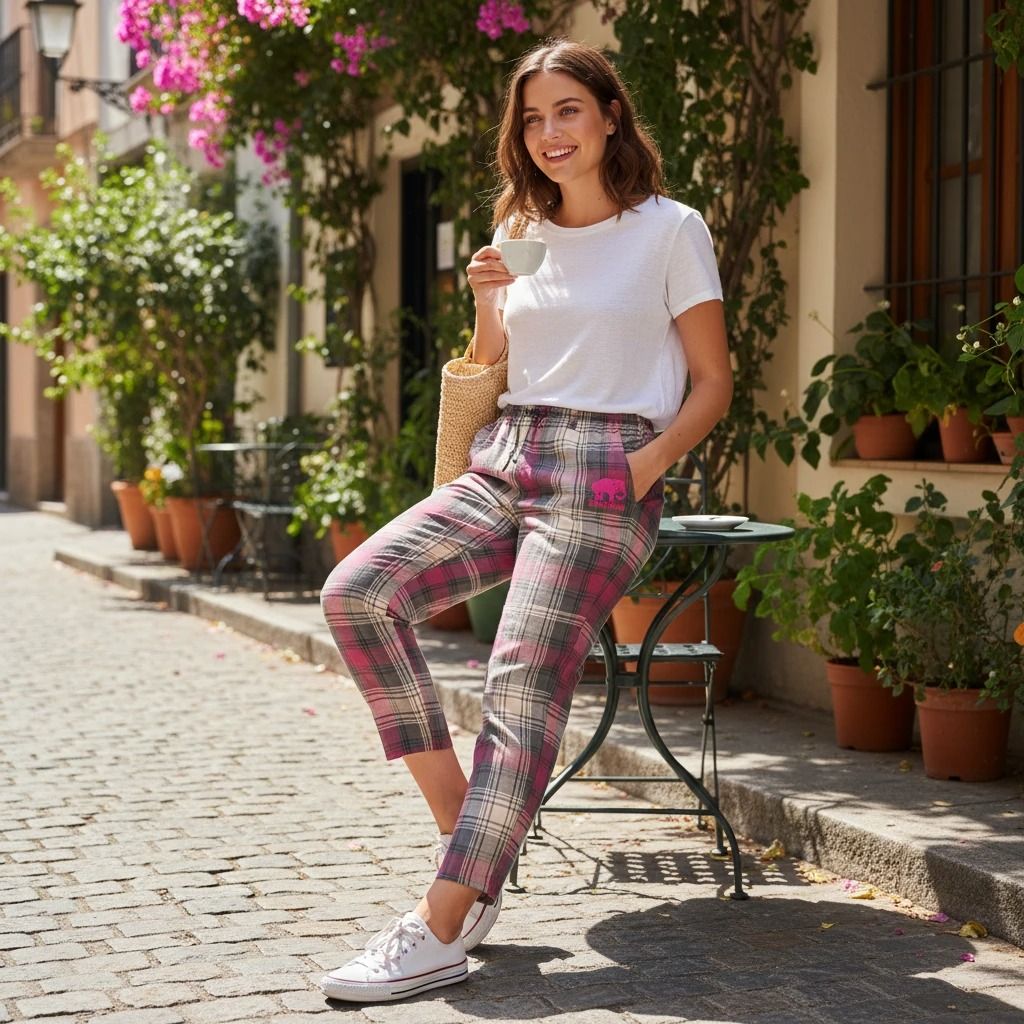
Example 1: lifestyle scene where the product is the hero and color accents follow your Brand Kit.

Example 2: contextual image where backgrounds and details match your primary and secondary colors.
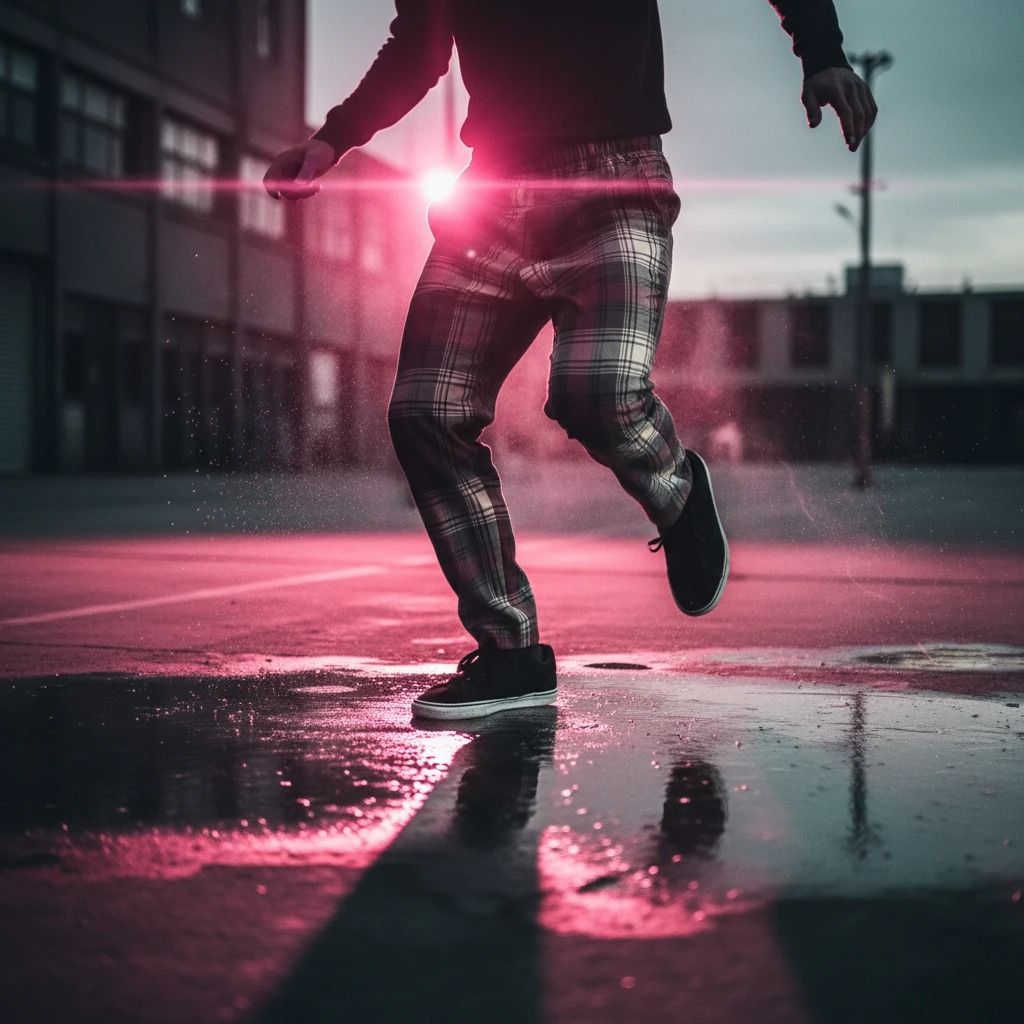
Example 3: more dynamic composition, ideal for banners or campaign images.
Every time you generate a new image or ad creative, TiendaPop already knows which colors to use and how to integrate them around your product.
You don’t need to brief a designer on how your brand “should look” on every asset. The Brand Kit removes friction and lets you generate many variations in a short time.
Ads that visually match your store and social media usually achieve a higher click-through rate (CTR) and help build a stronger brand image.
Perfect for small and mid-sized stores that want to look as polished as bigger brands, but without adding fixed costs.
The Brand Kit also appears in the images you use in your ads, helping you keep a clear visual line across campaigns, your store and your social media.

Ad 1: social-first creative with your logo and main colors integrated into the composition.

Ad 2: performance-oriented creative that still looks fully on-brand with your store.

Ad 3: carousel-style format where every frame keeps the same brand colors.
From that moment on, every new asset will have a visual base aligned with your brand identity, without having to configure it again each time.
TiendaPop’s Brand Kit is a simple and powerful way to bring your visual identity into the images and ads you generate with AI. By just setting your logo and brand colors, you can create more consistent, professional and sales-ready visuals.
And as we keep evolving the product, the Brand Kit will play an even bigger role across the rest of TiendaPop’s features.
Share article:
TiendaPop is now available across Latin America for Tiendanube and Nuvemshop sellers. Generate professional product images in one click — no photo session, no designer.